Part 2 of Hacking my Sony A6000 Camera
742 words4 min readSpencer Kittleson

Introduction
Sony A6000/A6400 series: Part 1: Modernization · Part 2 (this post) · Part 3: Tethered Raspberry Pi · Research & Community Resources
This is a smaller continuation of the previous blog post on hacking the Sony A6000 camera (come back for more updates).
Get the full field guide
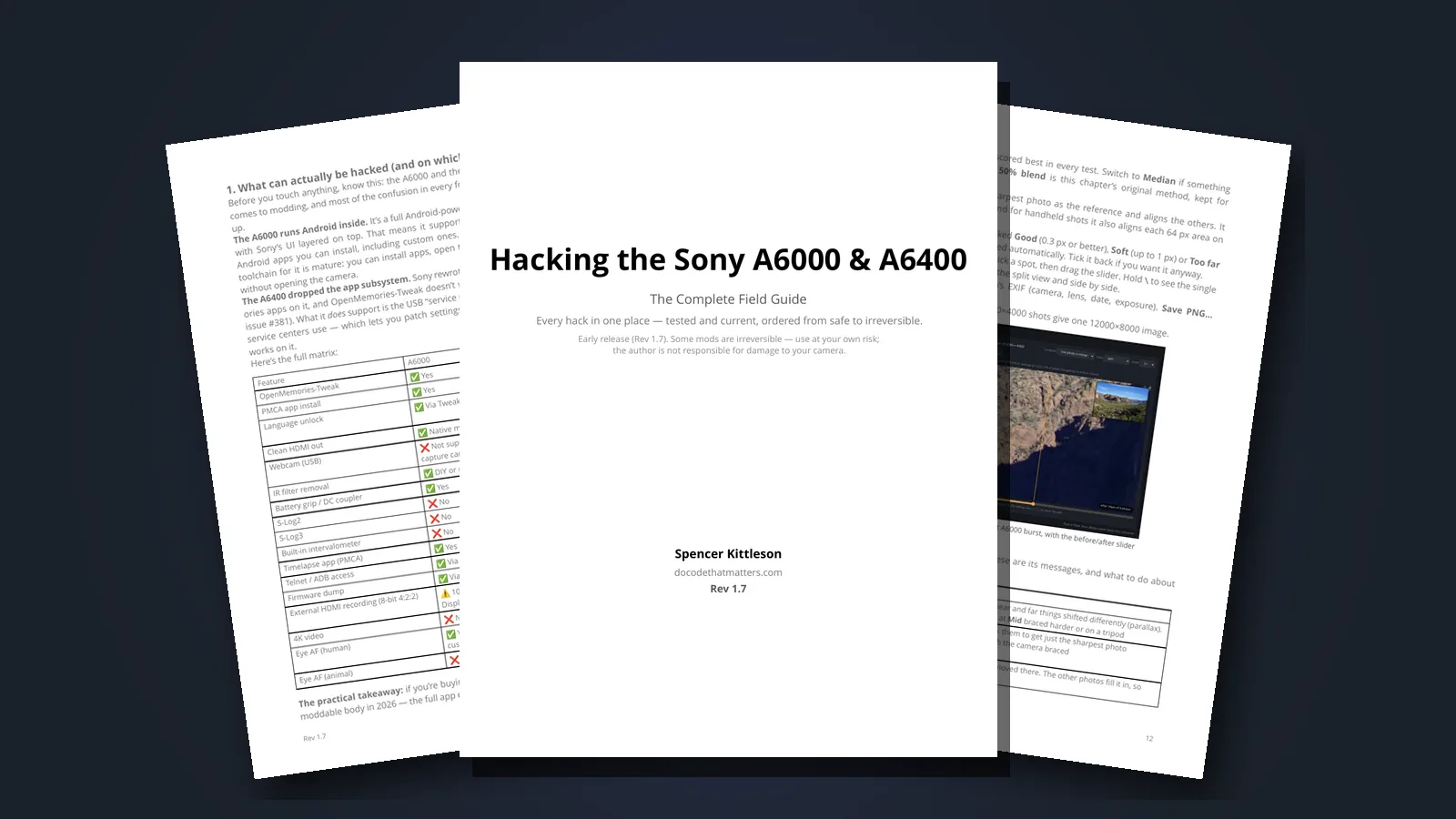
The free apps, the USB-C battery hack and the FTP uploader from this post all made it into my field guide for the A6000 and A6400, along with what I learned since.
- Timelapse on both bodies: the A6400’s built-in menu, and app or trigger options for the A6000
- Power options compared: the AC-PW20 dummy battery, battery grips and power banks, with the real charge math
- The discontinued PlayMemories apps, and where the archived copies live now that Sony’s store is gone
- Only in the guide: the chapter 2 firmware backup and risk notes, and a troubleshooting index for the errors people hit most, like “No Tweaks found” and the A6400 dropping into charging mode
It launched at $39. During the early release it’s $19, or $14 if you tick the box promising to send me feedback after you’ve tried it (honor system). It’s a 25-page PDF, emailed as soon as you pay.
Full disclosure: this is my own guide, and the money comes to me. If it doesn’t help you, reply to the delivery email within 30 days and I’ll refund you. Some of the mods in it are irreversible, so read the risk notes before you start.
Free Apps
To install time-lapse and an FTP Uploader with some additional hacks, this open source project was awesome https://github.com/ma1co/Sony-PMCA-RE. Download the executable from the releases, then it will provide you on the applications to install. I would also recommend the OpenMemories:Tweaks app as it allows changing some limits on the camera.
USB-C Battery Hack
Batteries drain very quickly with this camera. The stock battery is around 1020mAh. Swapping out batteries is common and tedious. Getting usb-c versions of them helps with charging on the go but it’s still annoying with cables.
After a bit of hacking the power adapter version of this, I bundled everything up into a single battery shell with a usb-c female tail. Nothing clever here other than taking apart the usb 5v to 8v adapter then adding that to the shell with a usb-c input. The idea here is to use a large battery bank when taking very long time-lapse. Bulding a battery pack on the bottom is the next idea. Here is the build for the power adapter.
Battery Hack Gear
| Gear | Purpose | Buy |
|---|---|---|
| USB-C NP-FW50 batteries | Rechargeable on-the-go batteries | Amazon |
| AC-PW20 power adapter | Dummy battery, cannibalized for the shell | Amazon |
| USB-C female tail | Input for the external battery bank | Amazon |
| Anker USB-C SD card reader | Fast on-the-go card dumps | Amazon |
Data Transfers Hurdles
A follow up from my previous post.
Using a Card Reader
On the go, I keep this card reader near the camera bag. It allows for the sd card to plugged into the computer or phone in a small package. Sometimes I just need a few pictures on my phone to edit and send. All the other files get dumped.
Using the FTP uploader within the camera
This idea of using the FTP uploader is great but it’s very slow… 70 files in 13 minutes at full resolution JPEG files. If there is not a lot pictures this makes sense but typically taking the sd card out and data dumping is going to be much quicker still.
Using the FTP uploader app mentioned above, i use this bit of python code to dump it into directory that i care about.
python -m pyftpdlib -u USER -P PASS -w
Reference to this command. https://stackoverflow.com/questions/4994638/one-line-ftp-server-in-python