My Home Automation Rules After 10 Years
3324 words17 min readSpencer Kittleson
TLDR; If a light switch in my house needs someone else’s server to work, it doesn’t go in. That has been rule one for ten years of home automation, and the other rules I follow grew out of it. Below are the rules and why I keep them, followed by both talks I’ve given on this, slide by slide.
The cloud is the weak link
Hardware you pay for once shouldn’t stop working because a company changed its plans. It happens anyway. My Nest integration worked until Google broke the API. A Samsung fridge shows a TLS certificate error on its own screen. A Camp Chef grill controller needs Wi-Fi to tell you the temperature.
I still use cloud services where they help, including Alexa and a handful of AWS services. They’re add-ons, though. The logic that runs the house lives on hardware I own: Tasmota firmware on ESP boards, an MQTT broker, and Node-RED on a Raspberry Pi. When the internet goes out, the house keeps working.
The rules
These came out of the first talk and got restated in the second:
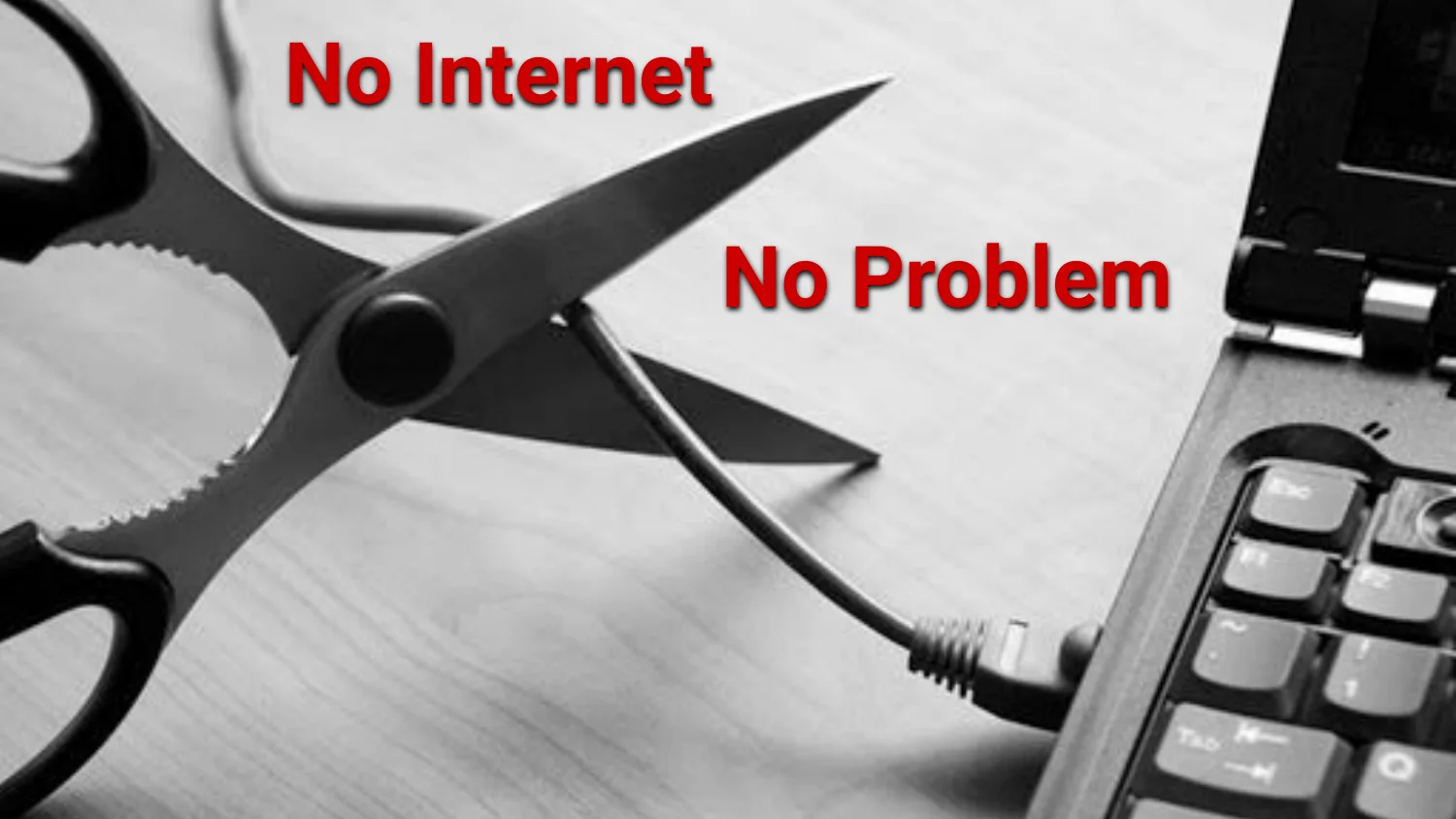
- No internet, no problem. Anything core to the house has to work with the internet unplugged.
- Don’t remove the old way while introducing the new one. A wall switch taped in the on position so a smart bulb keeps power is what happens when you skip this.
- Be agile. Rooms get used differently and people move in and out, so everything has to be cheap to change.
- Check your automations. I once had four scheduled triggers all pointing at the same garden pump.
- Exceptions must be exceptional. I can break a rule, but only for a reason I’d still defend six months later.
These came after year five, once more people lived in the house:
- A cloud device needs an API with logs, or it doesn’t get installed. I won’t run a black box in my house.
- Configuration lives in one place instead of five vendor apps.
- People get more than one way in: an app, Alexa, a QR code, or an NFC tag.
- Any sequence of actions that keeps repeating becomes a routine.
- Devices talk pub/sub over MQTT instead of point to point.
- No batteries unless the device can go a year or more between changes. A dead battery on a door sensor at 2am is how you end up outside in the cold.
The build I get asked about most is the Tasmota sprinkler controller. It runs on these rules and shows up in both talks, along with the garage door automation that has been running just as long.
Talk One: Home Automation
Nobody needs any of this. I do it because I like building things that work in the background, and every automation is a small puzzle with a real payoff when it’s solved.
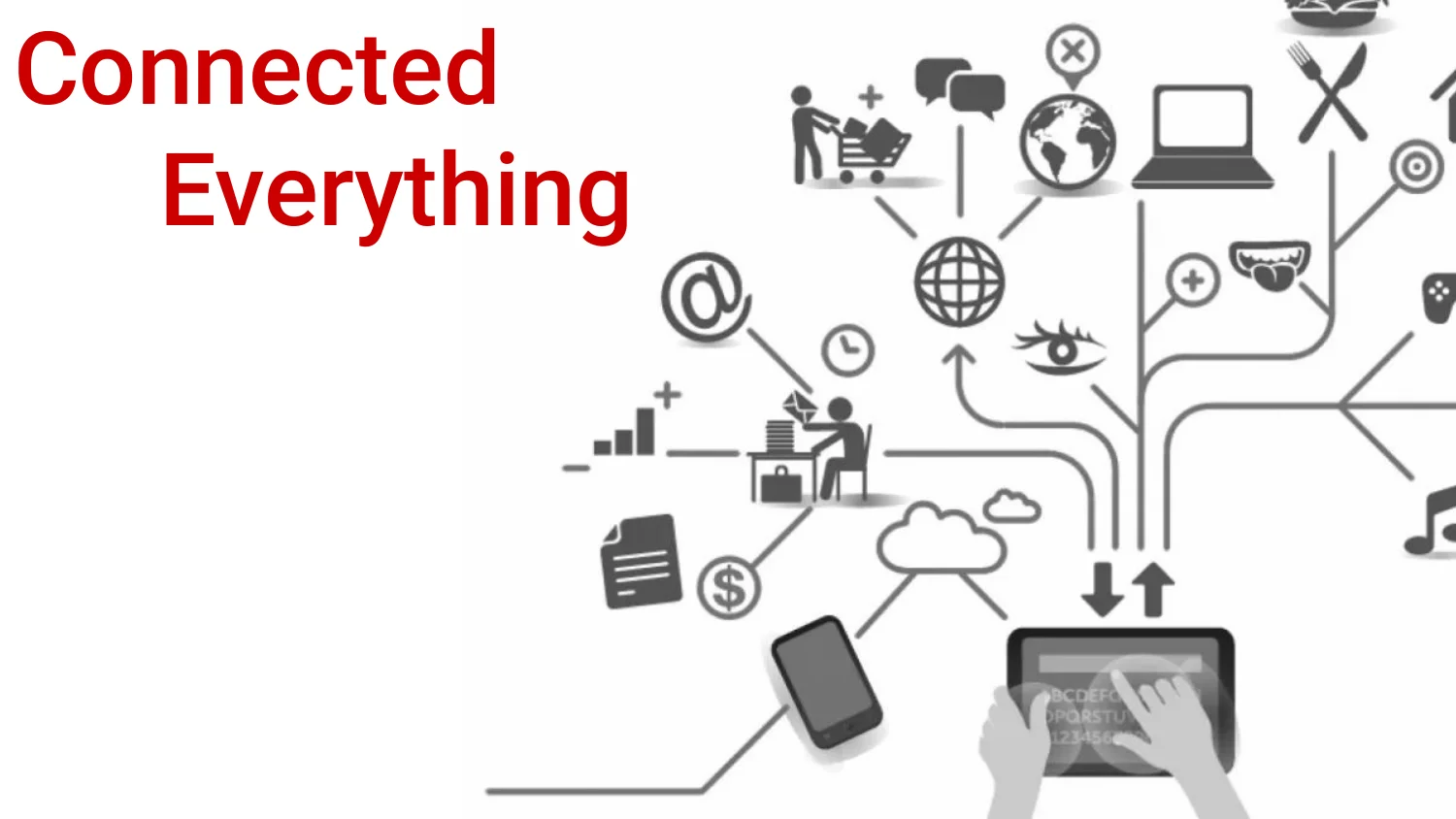
This is the backdrop for the whole talk. Phones, laptops, tablets, thermostats, and locks all talk to clouds that may or may not be up when you need them. Connectivity is fine. Just know what you’re opting into before you plug it in.
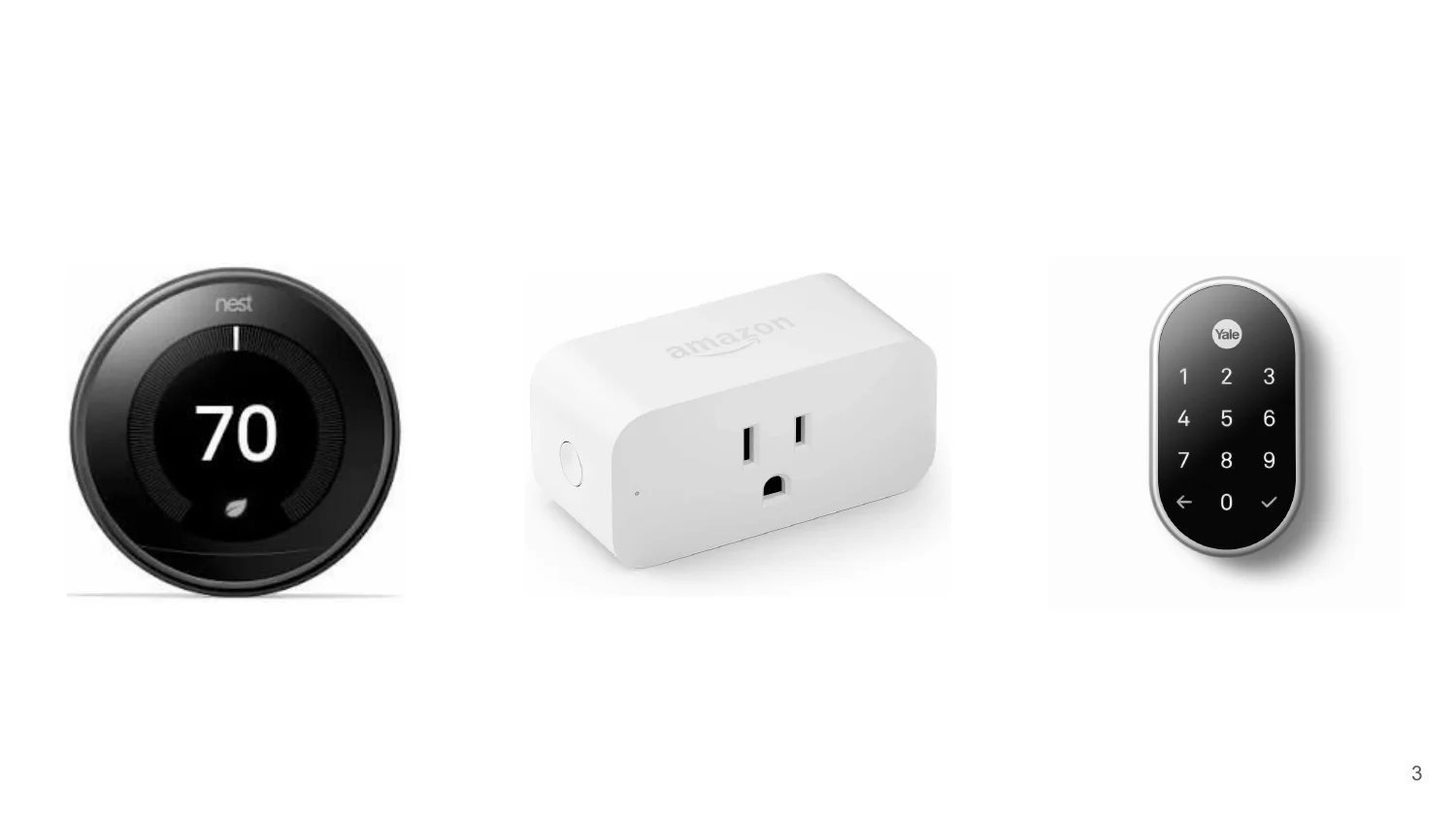
Most people start here with a thermostat, a plug, and a lock, and that’s a fine place to start. Each one ships with its own app and its own account.
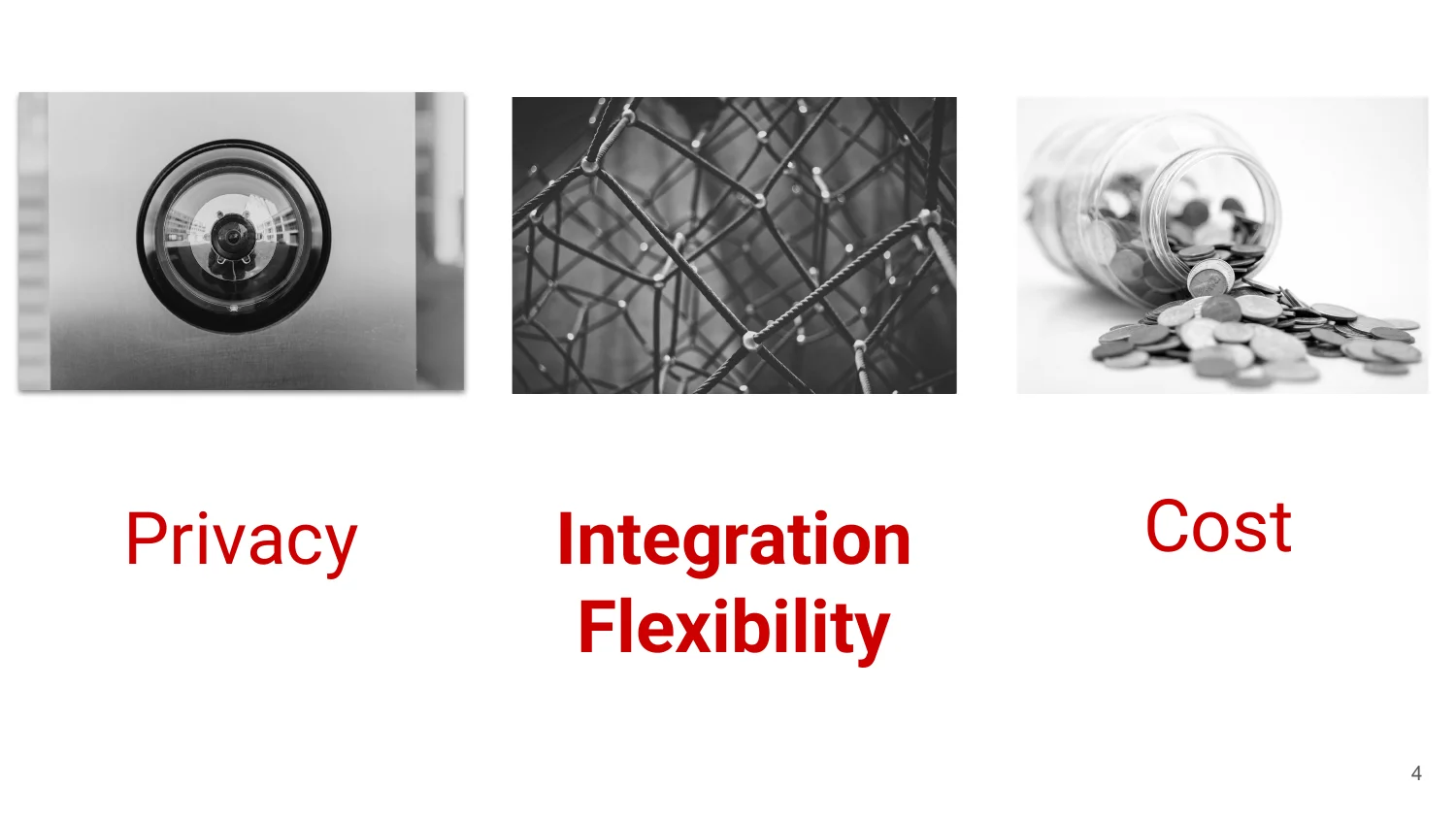
Every device you add lands somewhere on this triangle. A cloud camera is cheap and convenient, and you pay for it with privacy. A switch I flash myself takes more setup time, and in return I can integrate it with anything. I figure out where a device lands before it goes in the cart.
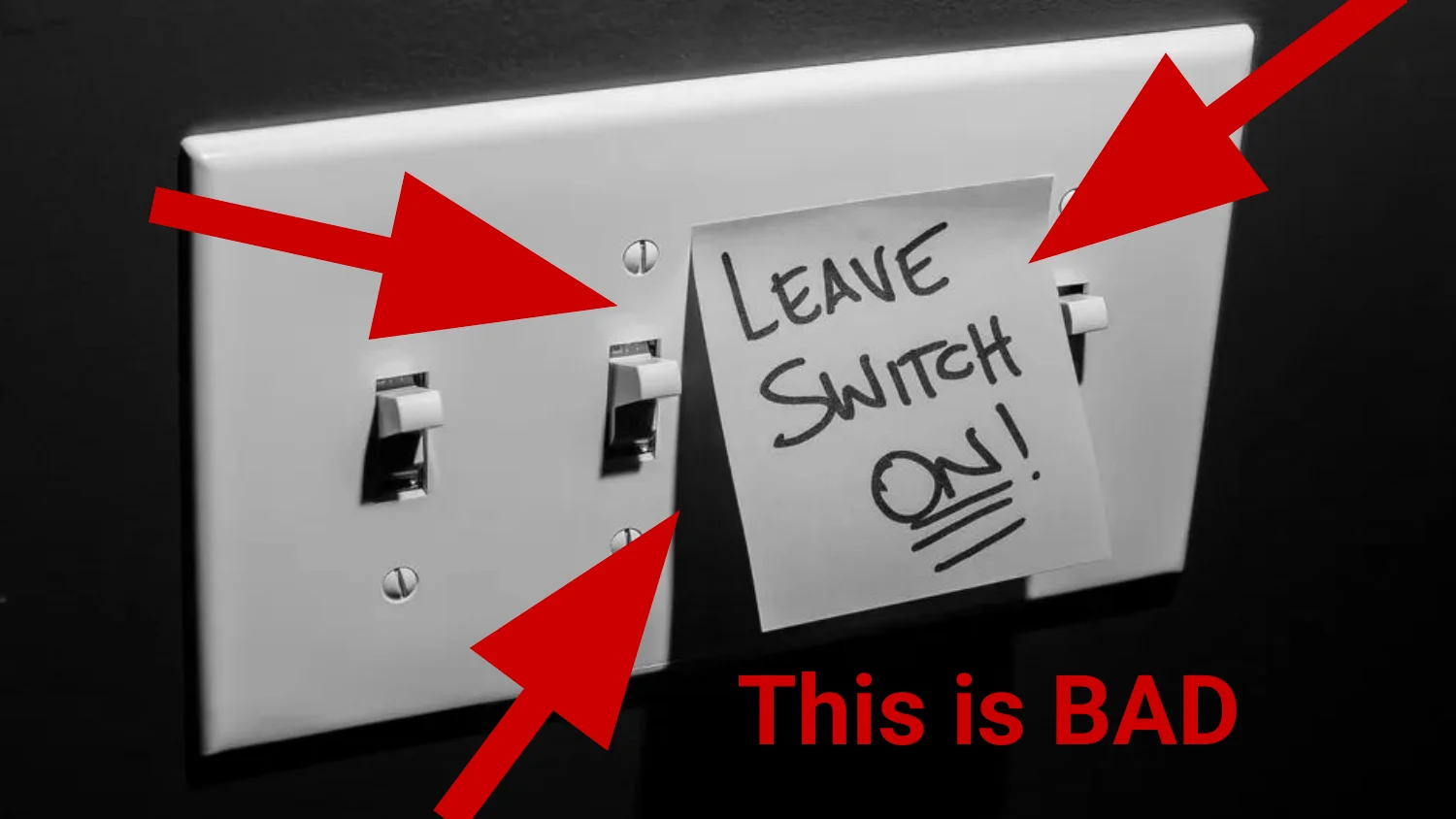
Someone (often me) automates a light and then has to tape the wall switch on so the smart bulb always has power. If you’ve ever walked into a room and the switch did nothing, this is why.
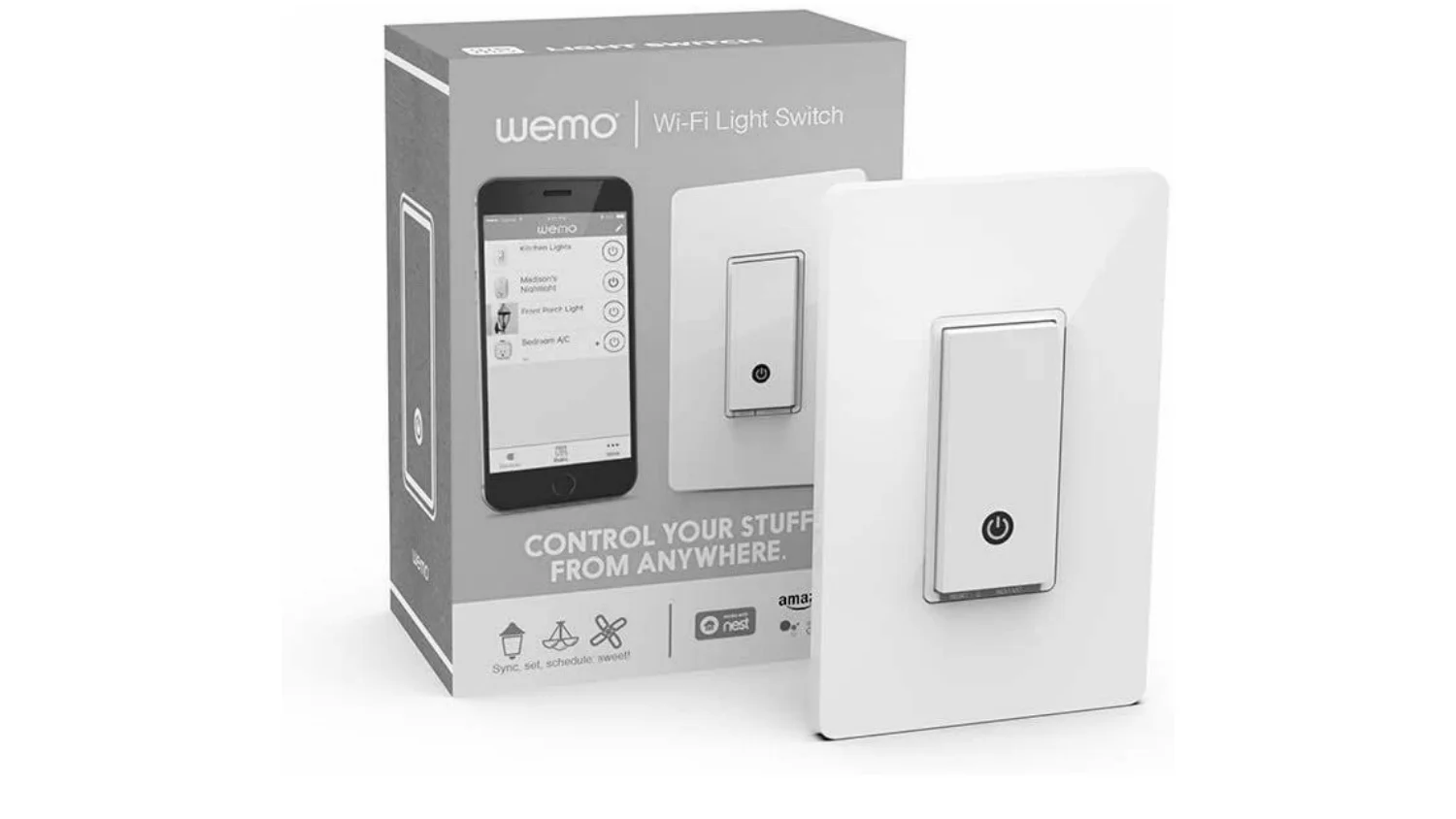
The better fix for the taped switch is an in-wall Wi-Fi switch like this one. The wall switch keeps working the normal way and I still get a hook to automate. It takes more work to install than a smart plug, but nobody has to retrain their hand.
Rule one, and the one I don’t bend on. If the internet goes down, my lights still turn on.
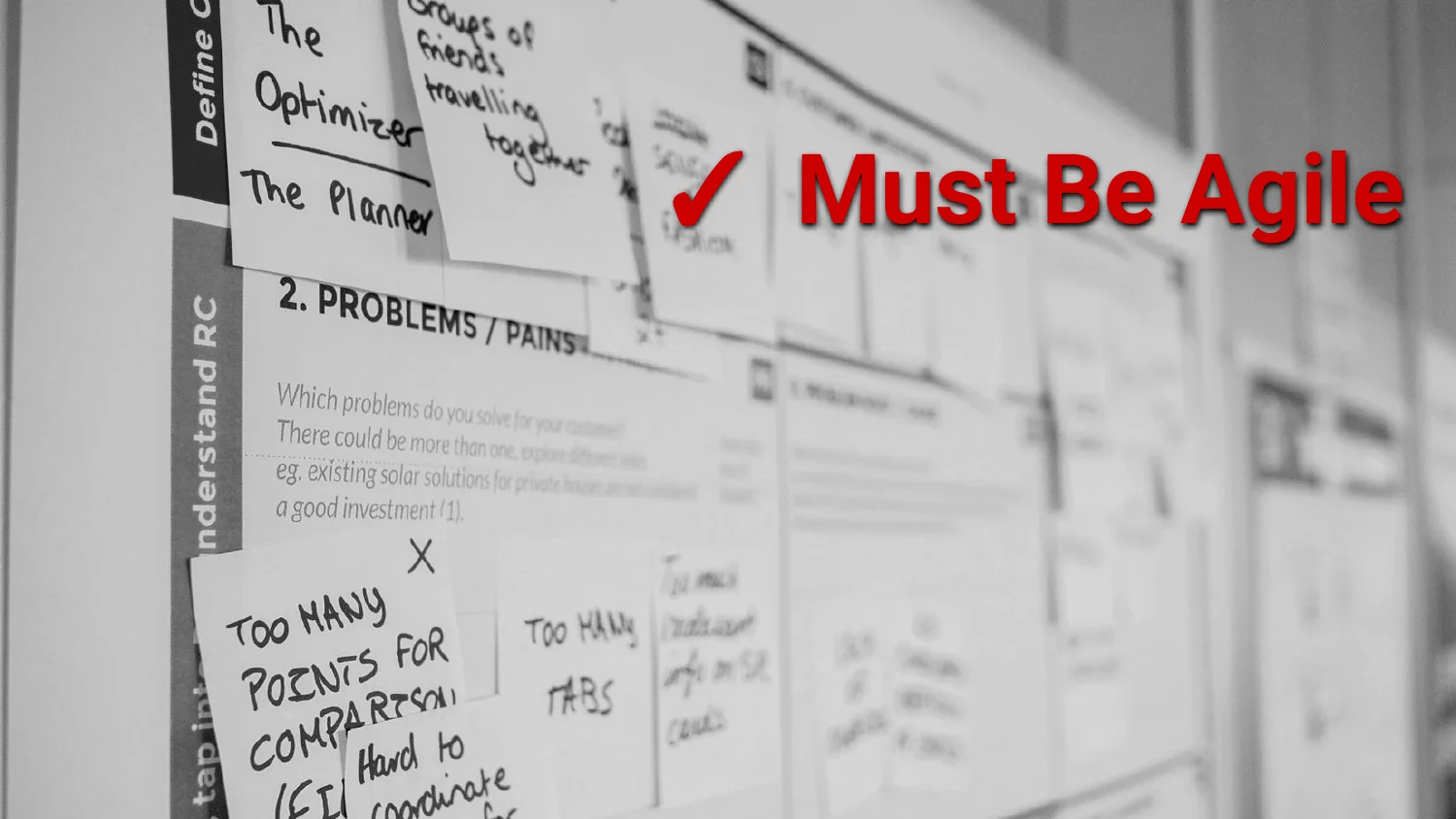
Home automation is never done. Rooms get used differently, people move in and out, and new devices show up. Whatever you build has to be cheap to change.
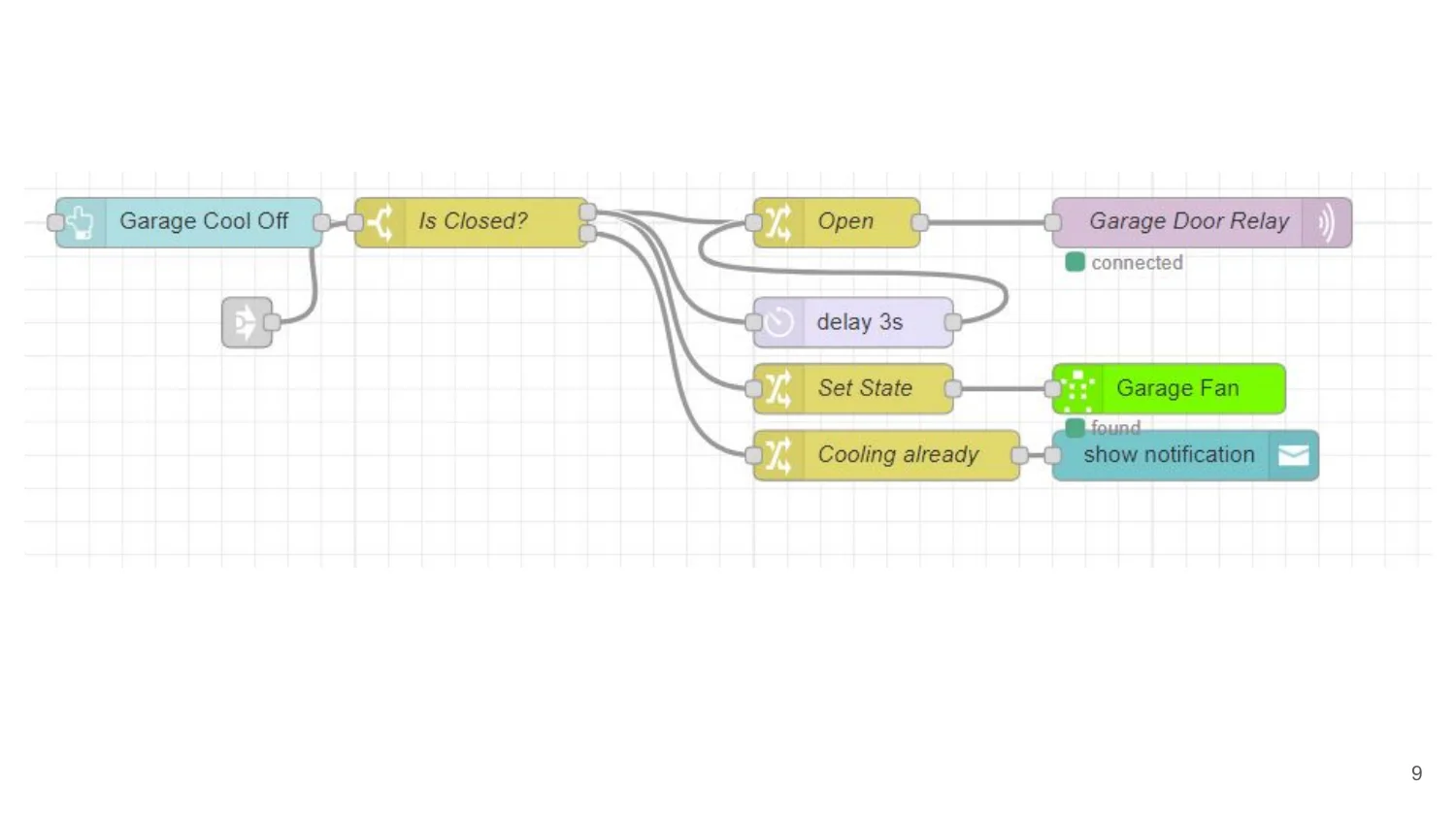
The garage cooling flow starts from a manual trigger and checks whether the door is closed. From there it opens the door, waits, flips the fan on, or sends a notification if cooling is already running. It’s a small flow and it has kept the garage from baking more than once.
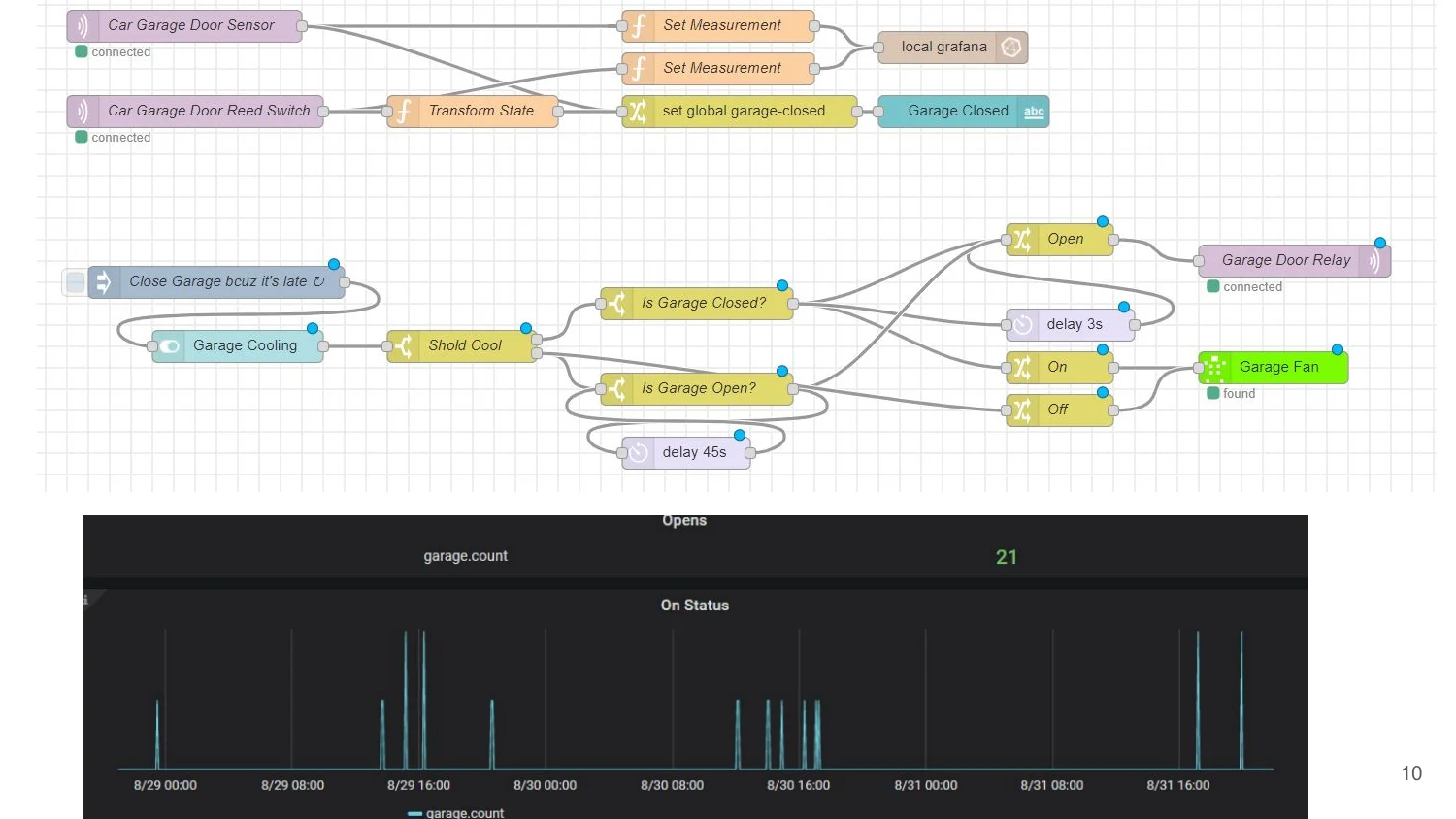
The door sensor and reed switch both report into a transform step that sets a global garage-closed flag and logs to Grafana. Below that is the chart from a few real days: 21 opens, with spikes showing when each one happened. Most people skip this part, and it’s the part that tells me whether I left the garage open without opening an app.
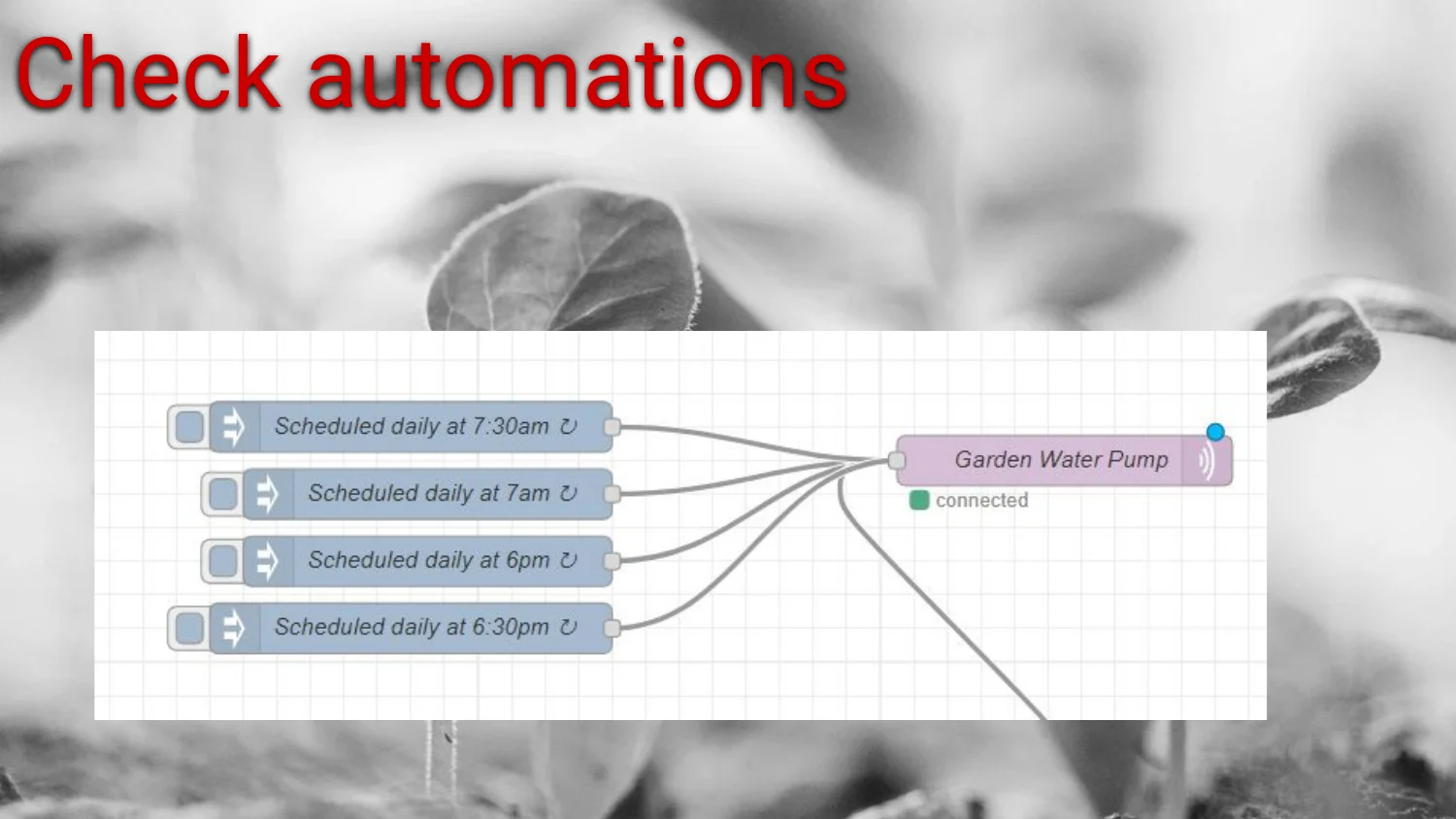
Four scheduled triggers all point at the same pump node. It’s easy to end up with five automations fighting over one device. Every so often I look at the flow and ask whether they still make sense together.

I’ve broken every one of these rules plenty of times. They’re guidelines.
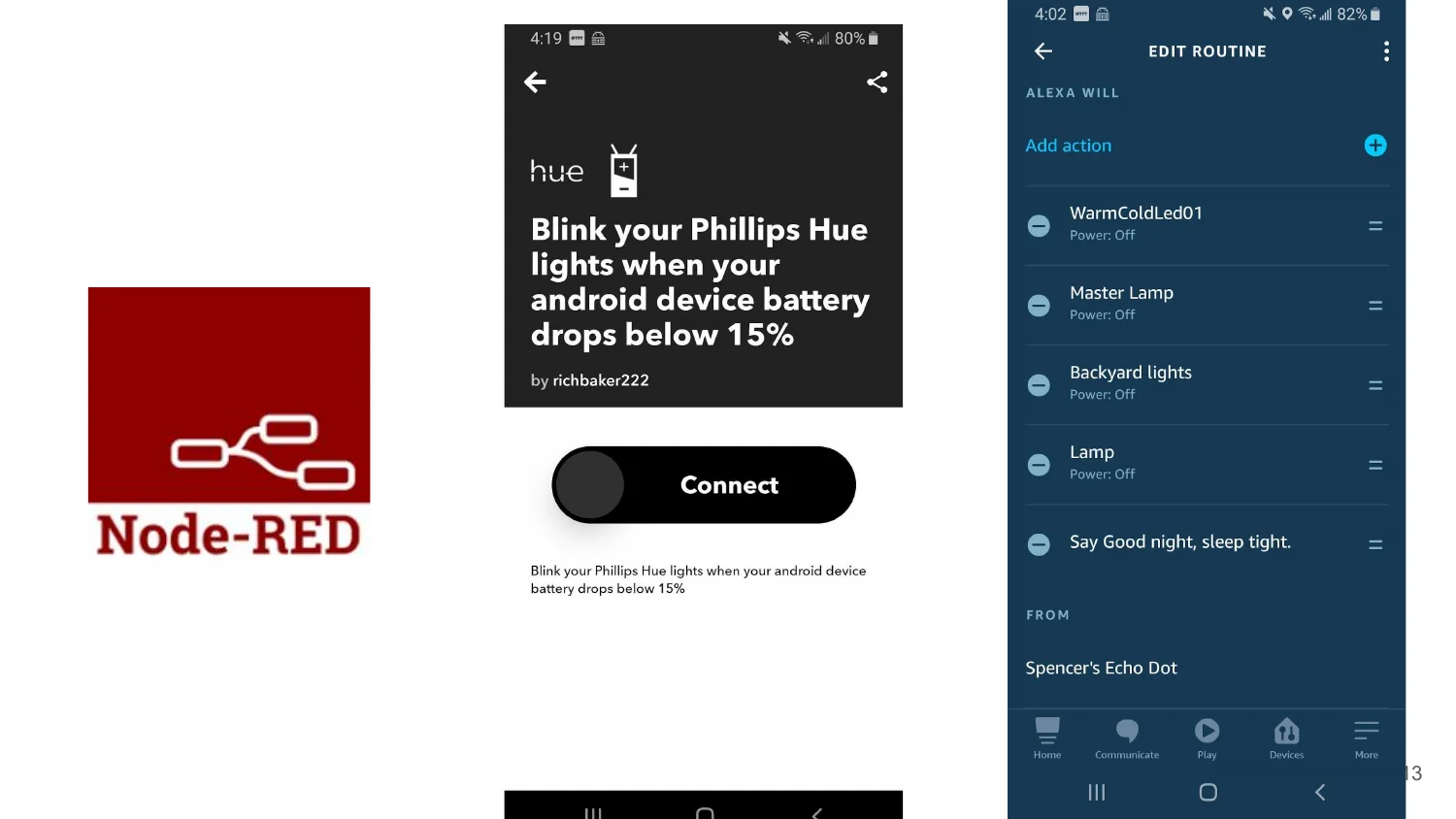
Here are three ways to say “event in, action out.” Node-RED is my main tool. Alexa routines and IFTTT-style community applets cover the cases where I don’t want to build something from scratch.
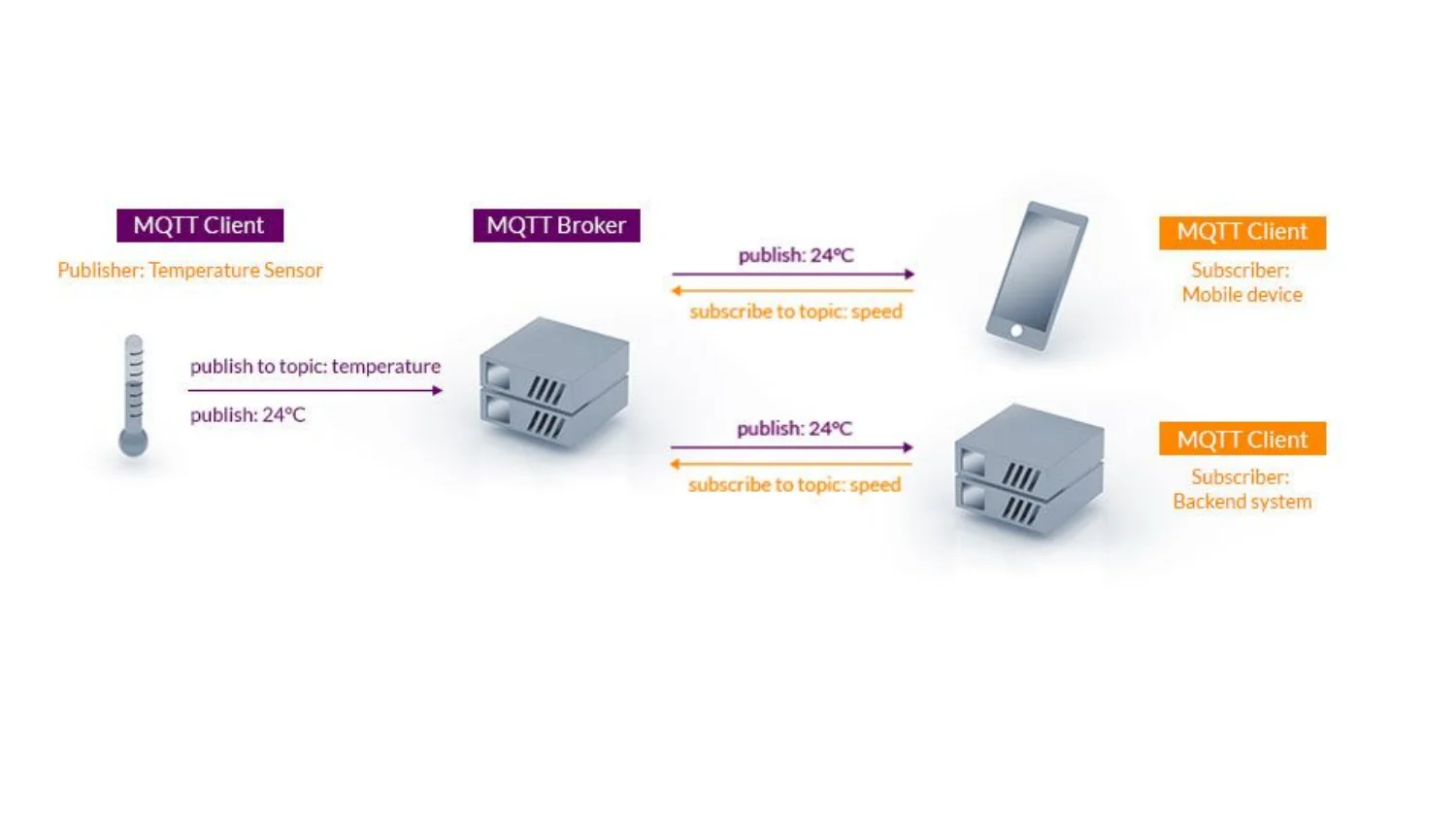
MQTT is what keeps the pieces decoupled. The temperature sensor publishes and doesn’t care who’s listening. A phone and a backend system can both subscribe to the same topic, and the sensor needs no extra logic. The sprinkler controller in the Tasmota post is built on the same pattern.
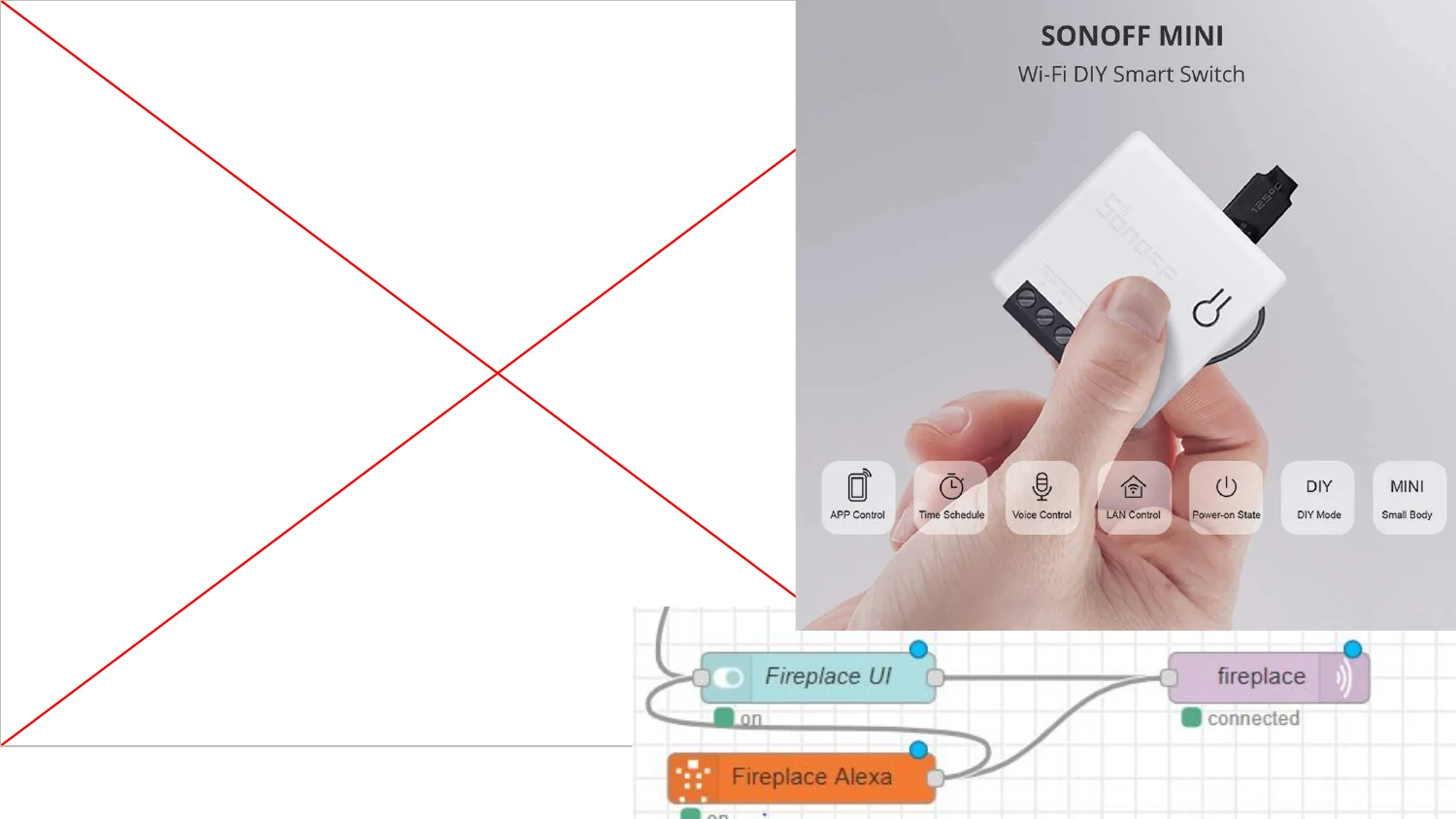
The Sonoff Mini is small enough to hide inside the fireplace’s existing wiring. The flow lets either the dashboard or Alexa flip it. It makes the “memorable automations” list later because a fake fire you can turn on by voice makes a good party trick.
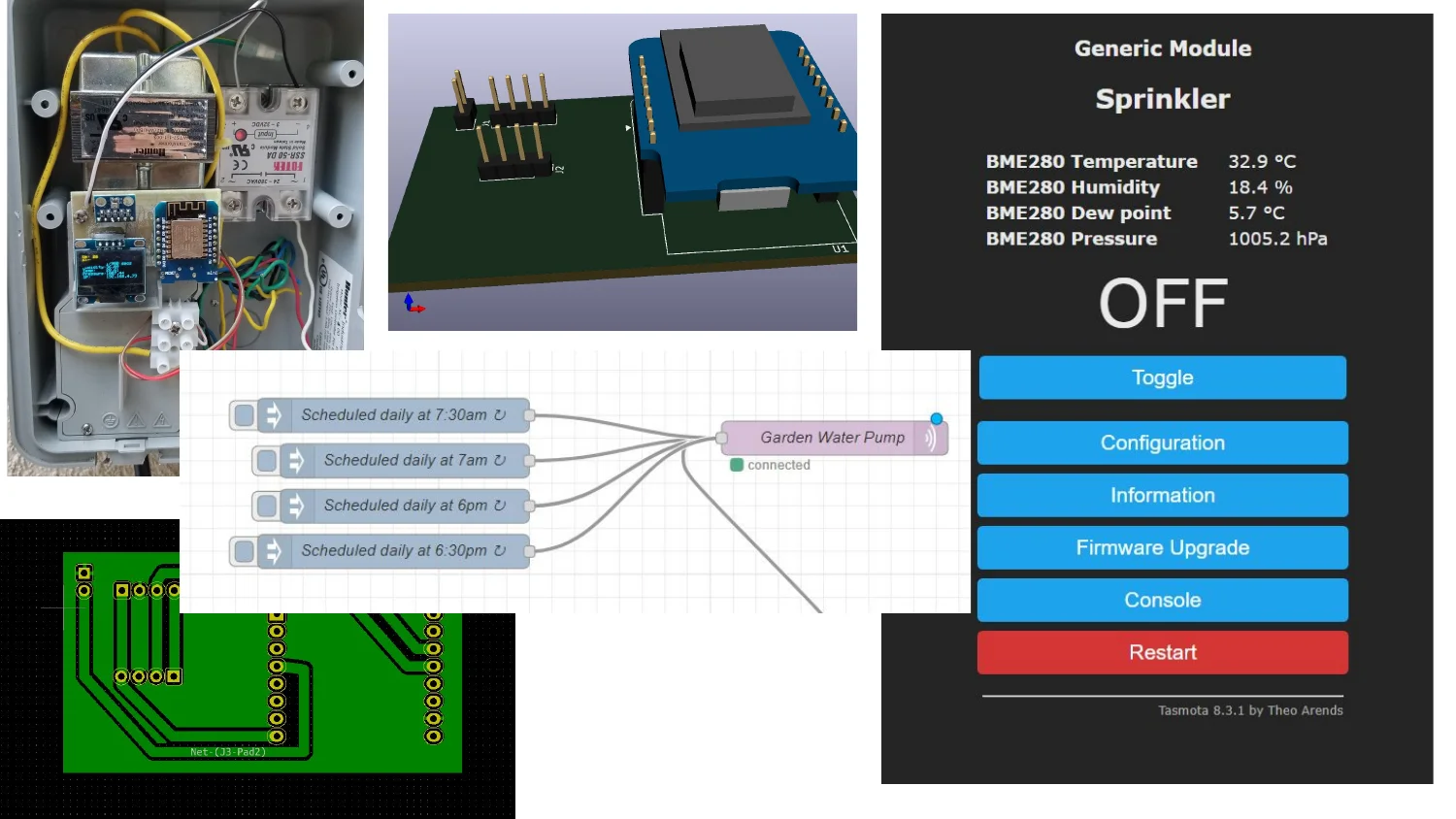
The whole sprinkler build fits on one slide: the relay and ESP module in the enclosure, the 3D board render, the Tasmota UI with BME280 sensor readings, the Node-RED schedule feeding the pump, and the finished PCB layout. The sprinkler post has the full writeup, including why I picked Tasmota over custom firmware.
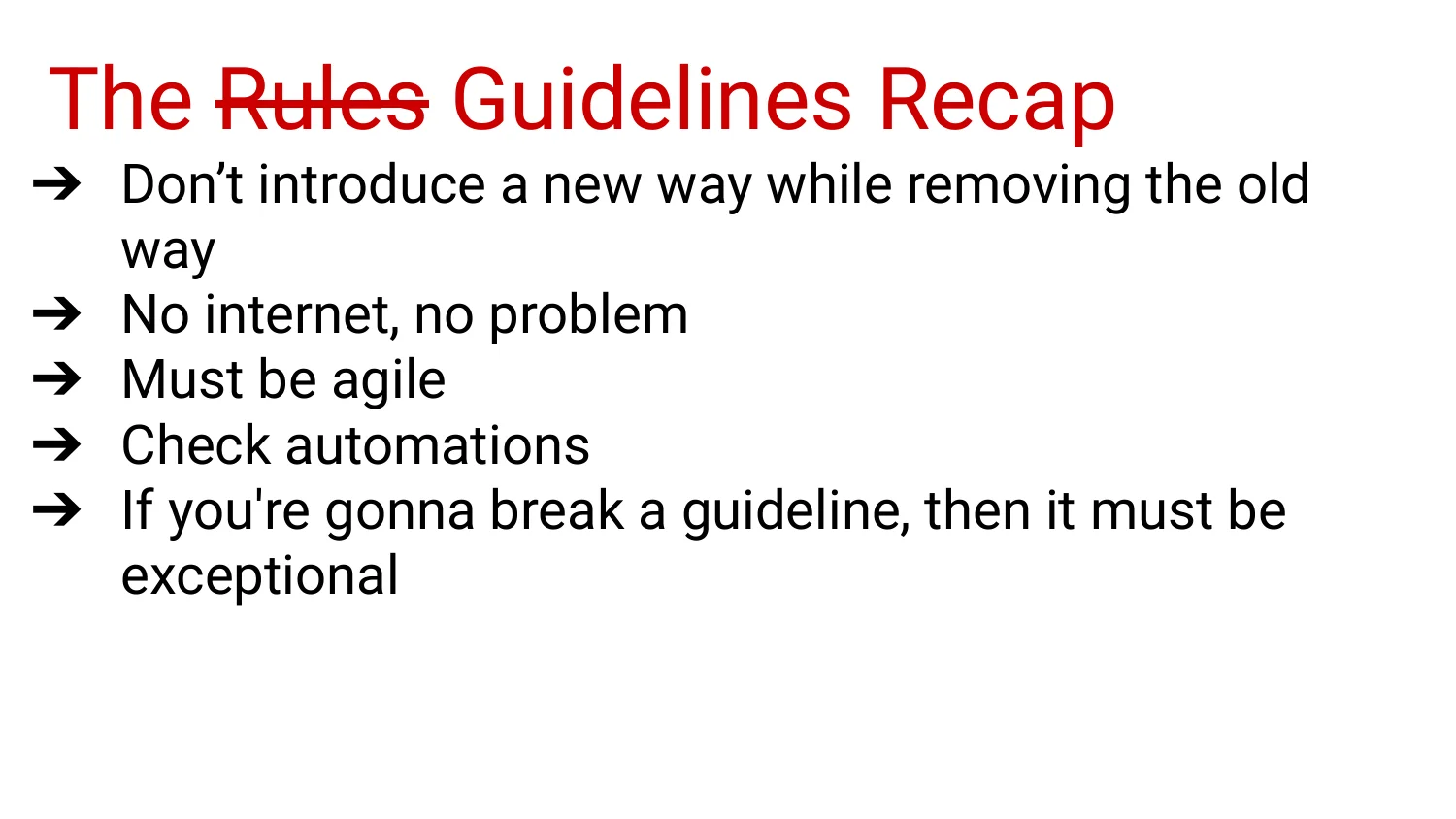
The recap slide is the whole talk in five lines. I break the first one (don’t introduce a new way while removing the old way) carelessly more often than the others, and I regret it every time. The last one keeps the other four honest. “I was in a hurry” doesn’t count as exceptional.
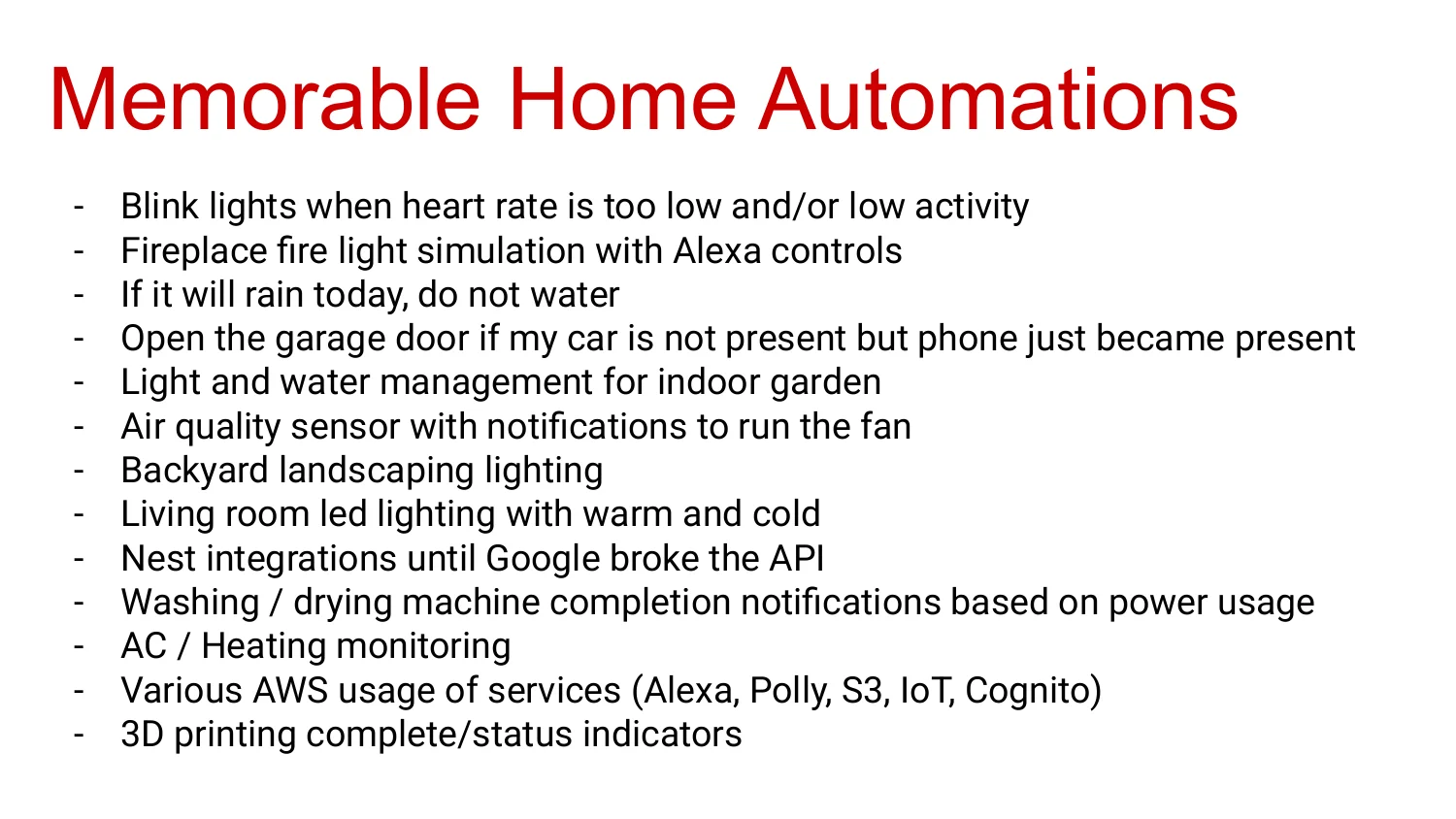
The highlight reel: lights that blink when my heart rate is too low, sprinklers that skip watering if rain is coming, a garage that opens when my phone shows up but the car doesn’t, light and water for an indoor garden, an air quality sensor that kicks on a fan, backyard landscaping lighting, living room LED strips that shift between warm and cool, washer and dryer notifications based on power usage instead of a vendor app, 3D printer status lights, AC and heating monitoring, and a pile of AWS services (Alexa, Polly, S3, IoT, Cognito) stitched together along the way. The Nest integration gets a eulogy: “until Google broke the API.” Every home automation person writes that sentence eventually.

That was talk one. Almost everything on the “memorable automations” slide later picked up a new failure mode or got replaced, which is why there’s a sequel.
Talk Two: Home Automation, The Sequel
Enough time passed between the two talks that I had a different list of problems to talk about.
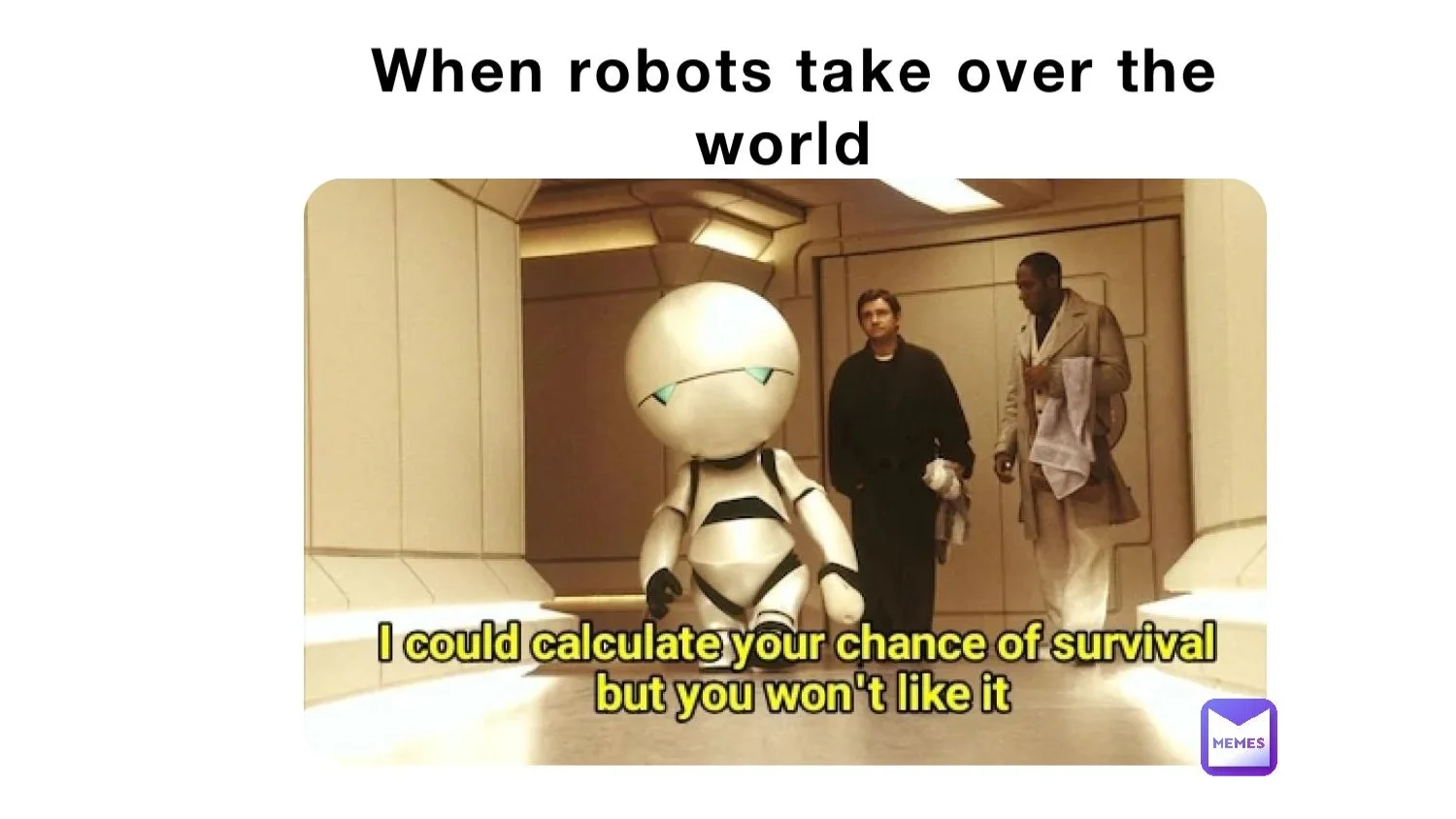
More devices means more decisions made without me in the loop. That’s a little unsettling, though mostly harmless.
First, a quick pass back through what talk one covered.
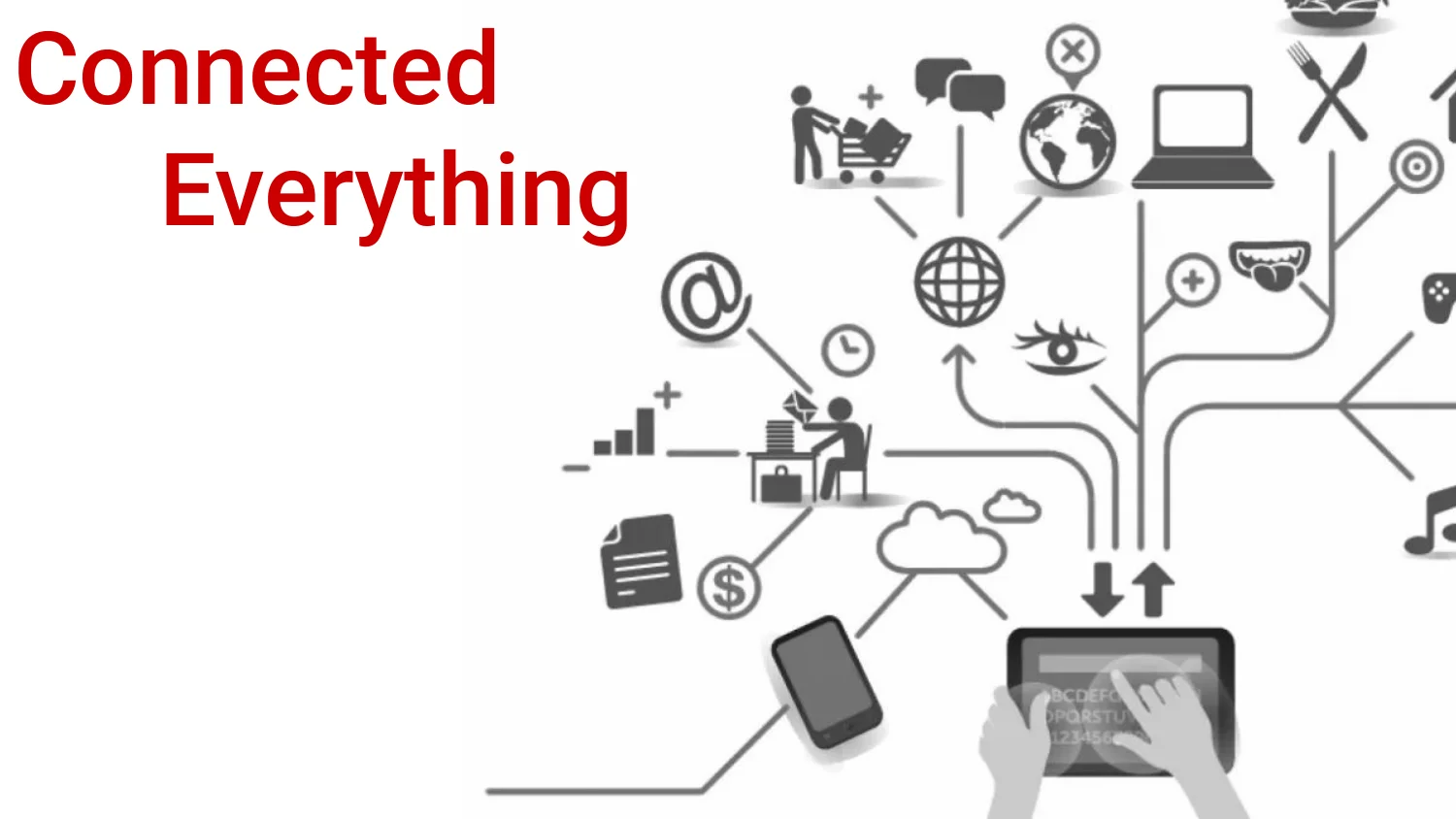
Same slide as before, with more icons on it now.
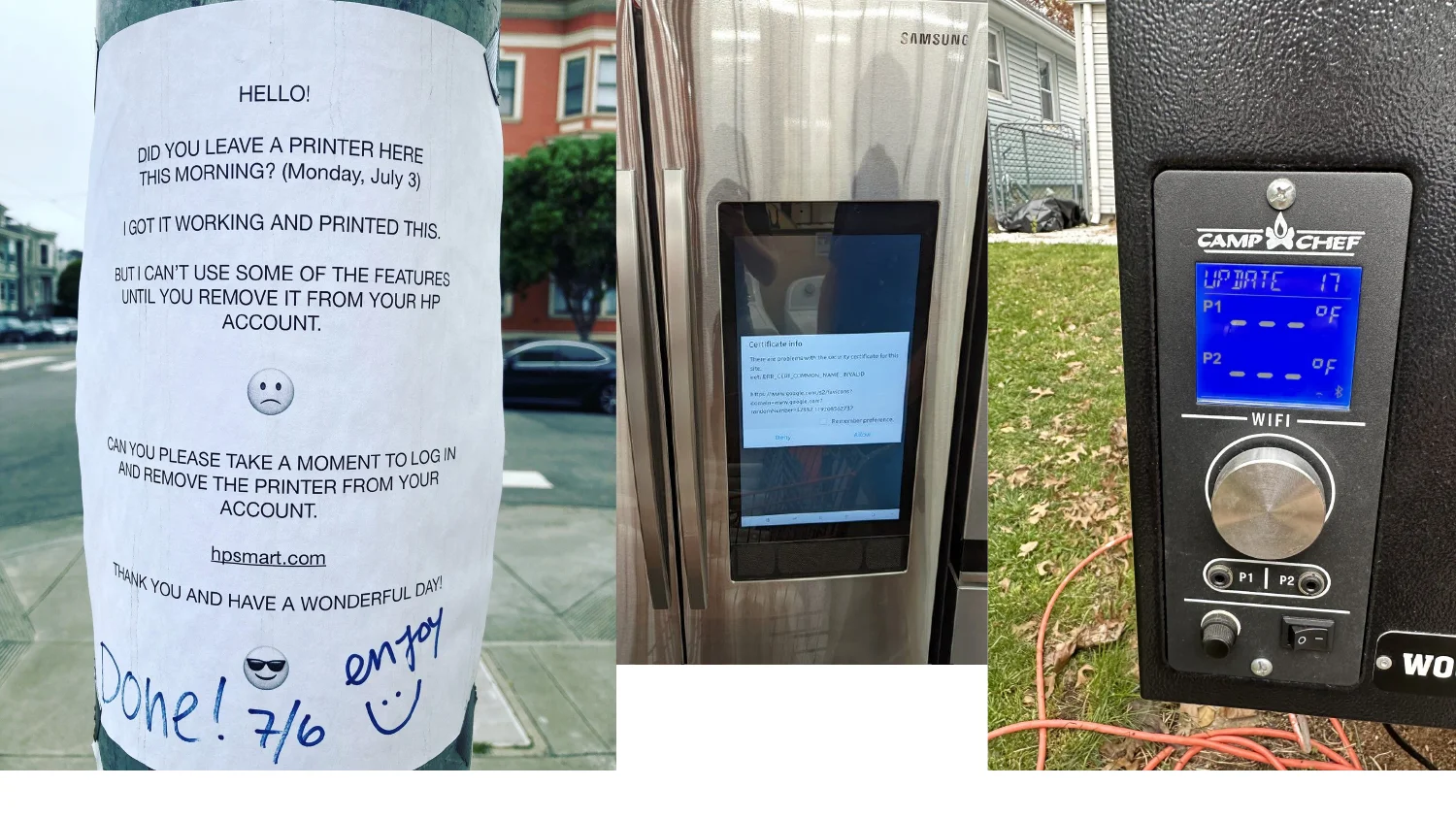
Everyone else is living this too. A fridge’s smart display throws a TLS certificate error. A grill controller needs Wi-Fi to tell you the temperature. Someone taped a note to a pole about an internet-connected printer they forgot to log out of. These are real devices.
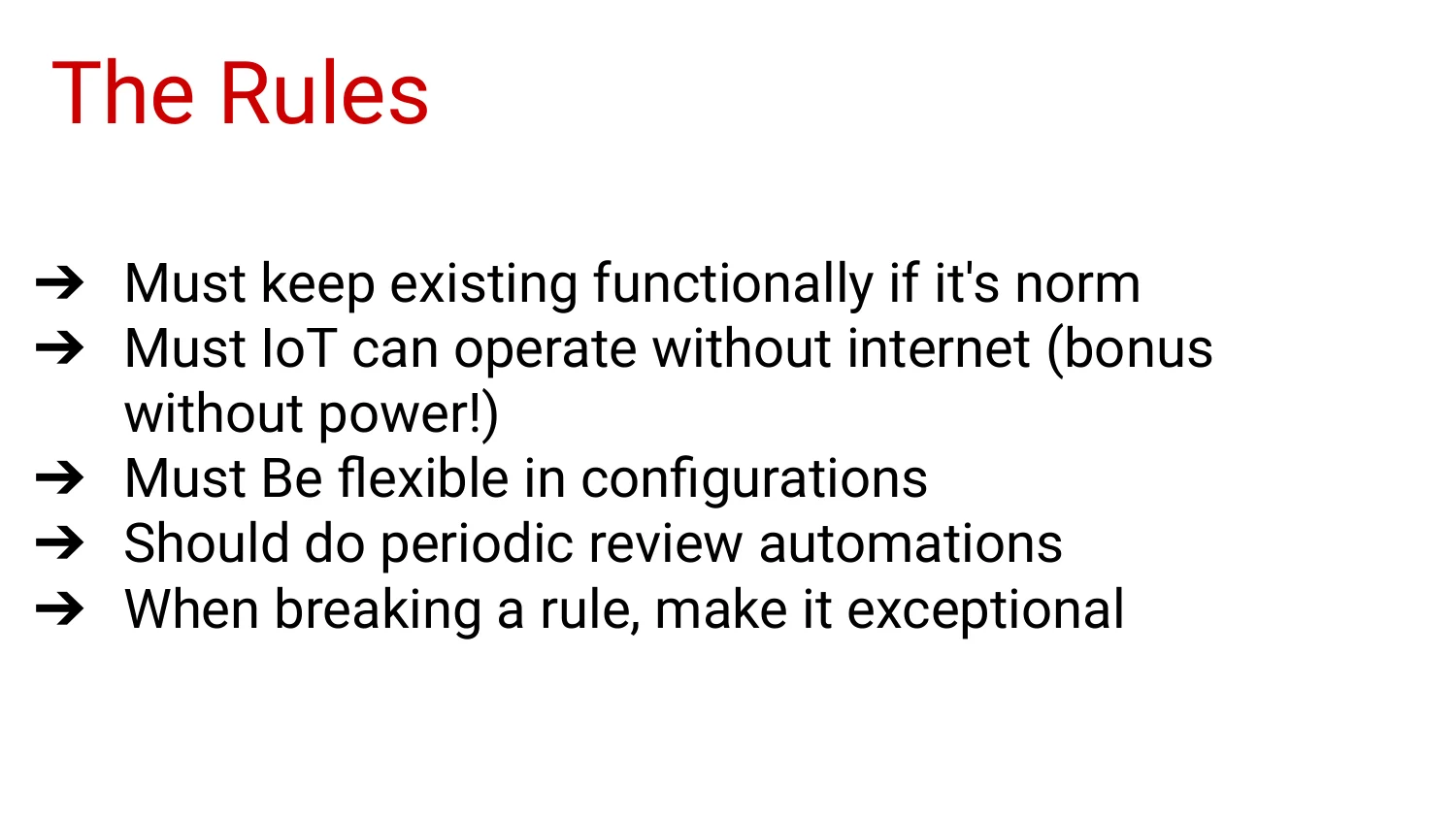
These are the must and should rules from talk one with slightly tighter wording. I restated them because part of the audience hadn’t seen the first talk.
The rules stayed the same. The conditions they had to survive got harder.
A lot of my original setup assumed one person lived in the house. When that stopped being true, I had to patch a single-user system into a multi-user one, and the next few slides are what that looked like.
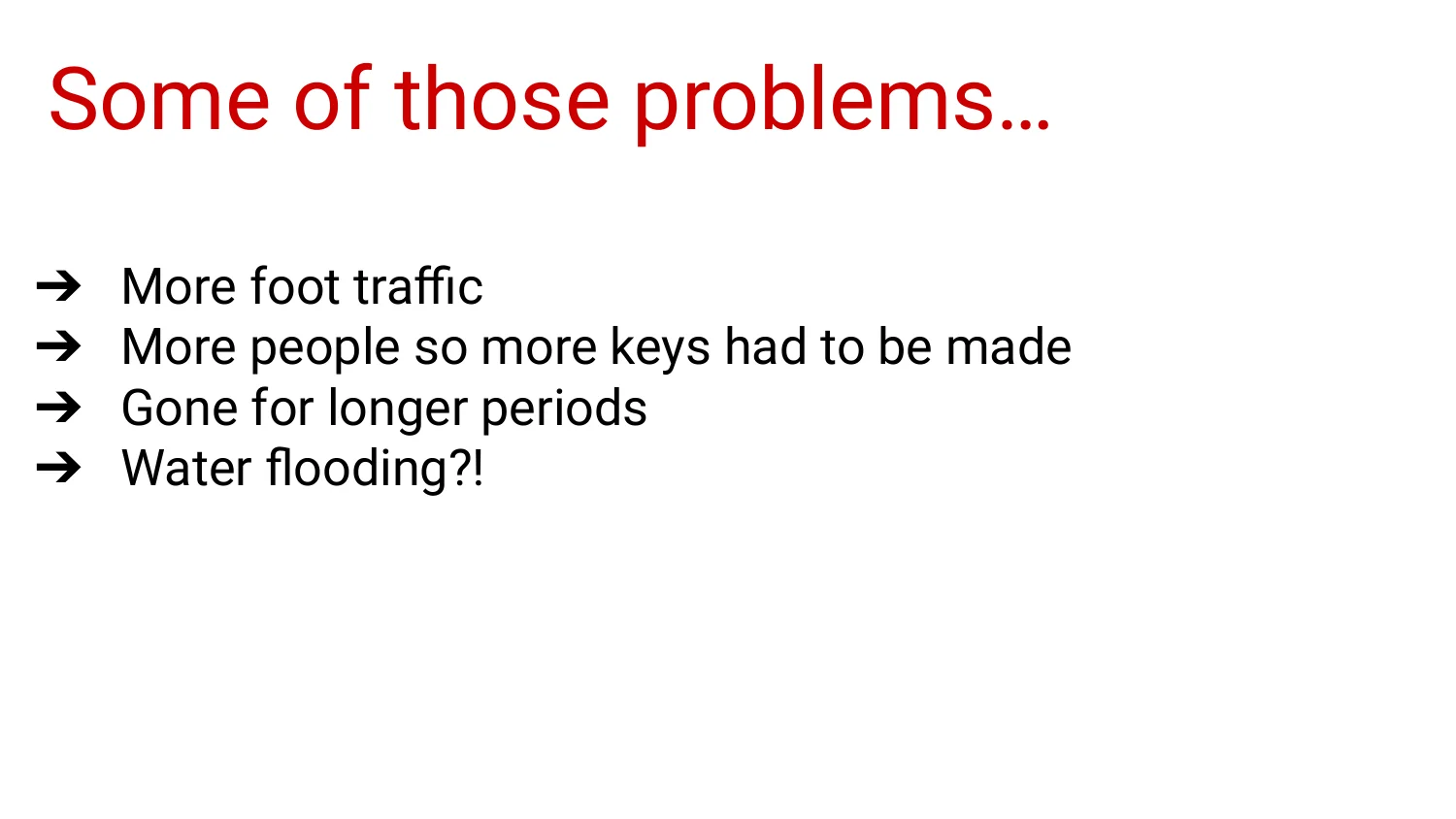
More people means more foot traffic and more physical keys to manage. Longer trips away raised the stakes on anything that could fail without anyone noticing. A water flooding scare is what finally got me to take leak and presence detection seriously.

Same joke with a new rule set. The first rules came after year one. These came after year five.
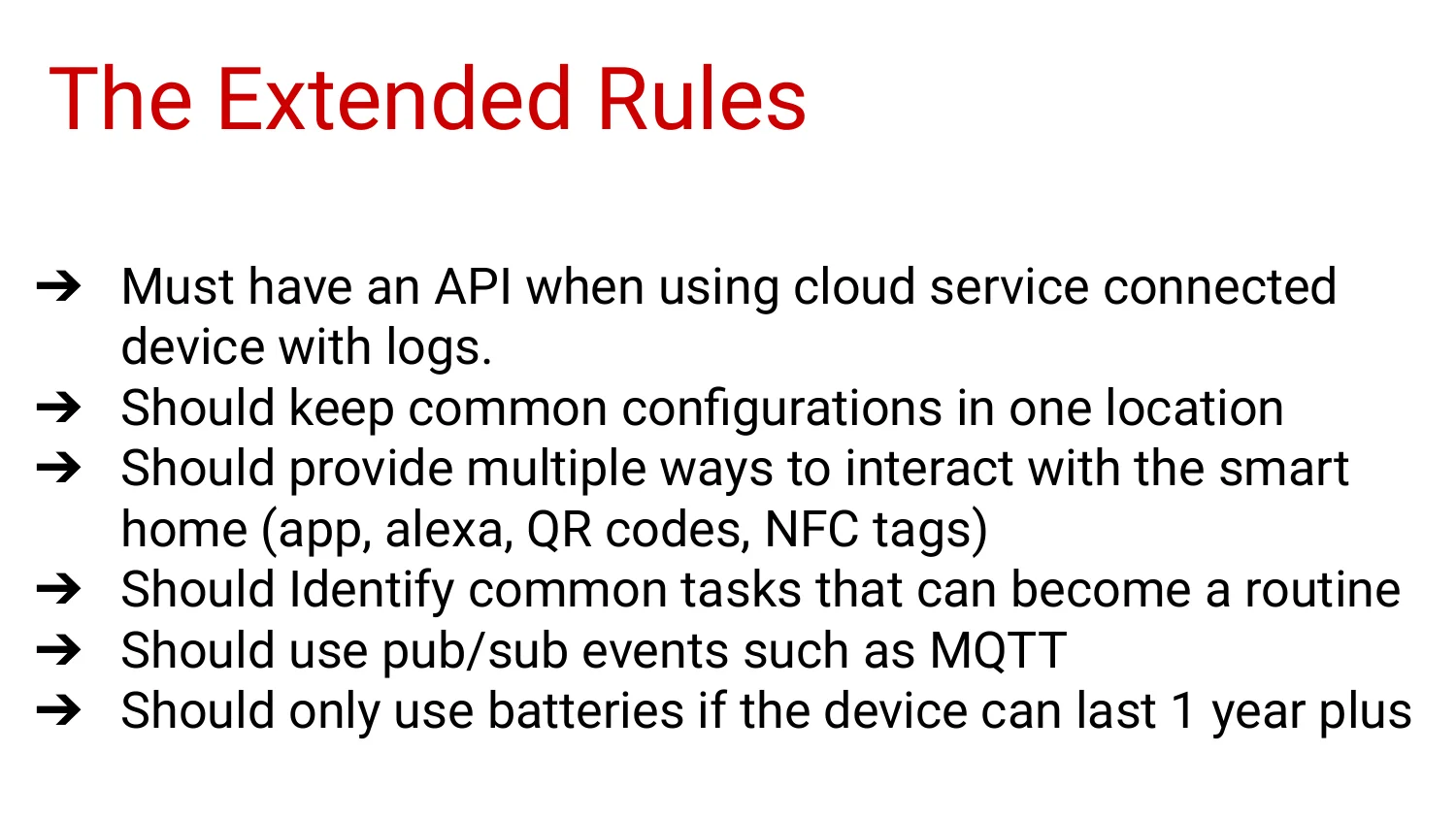
These are rules 6 through 11 at the top of this post. I wrote them after the house went from one person to several.
Next up are the concrete builds, which is my favorite part of any talk.
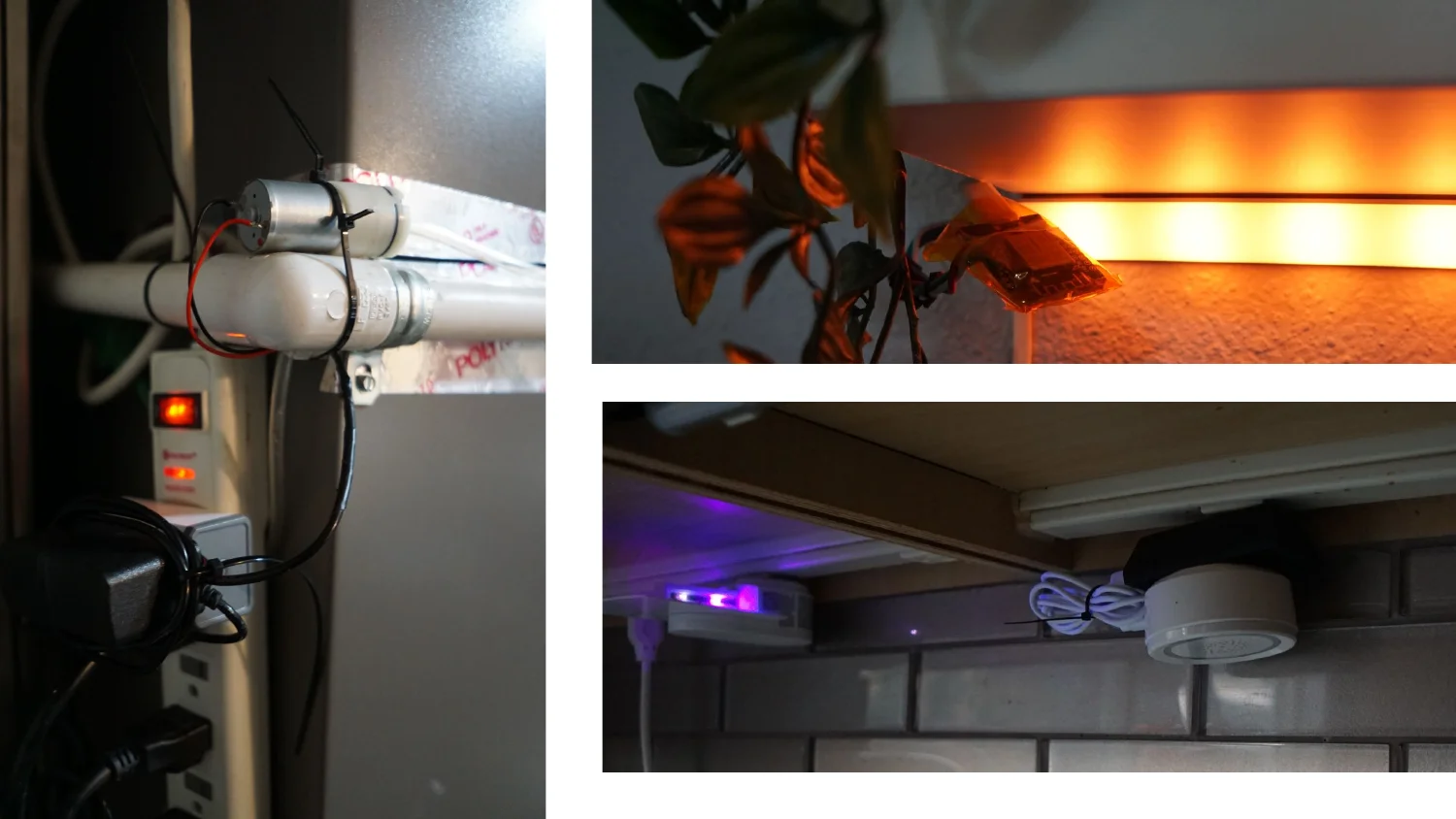
A motor-and-PVC-pipe rig for outdoor lighting, a UV grow light clipped onto a houseplant, and a UV strip under the cabinets for passive sanitizing. Each one solves a small, specific problem, and that’s where home automation earns its keep.
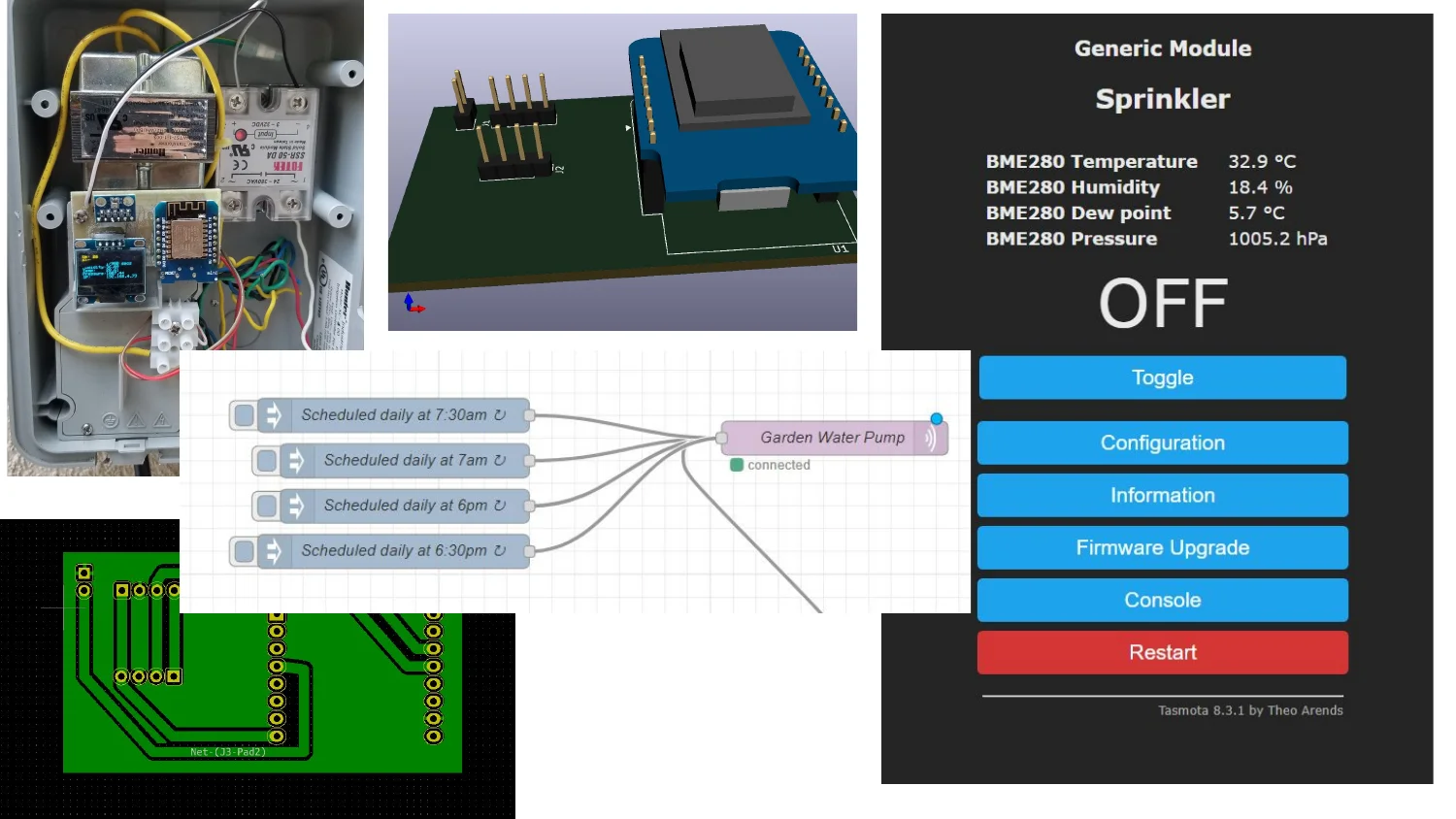
Same sprinkler slide as talk one. It’s back because it’s one of the few builds that never needed a rewrite.
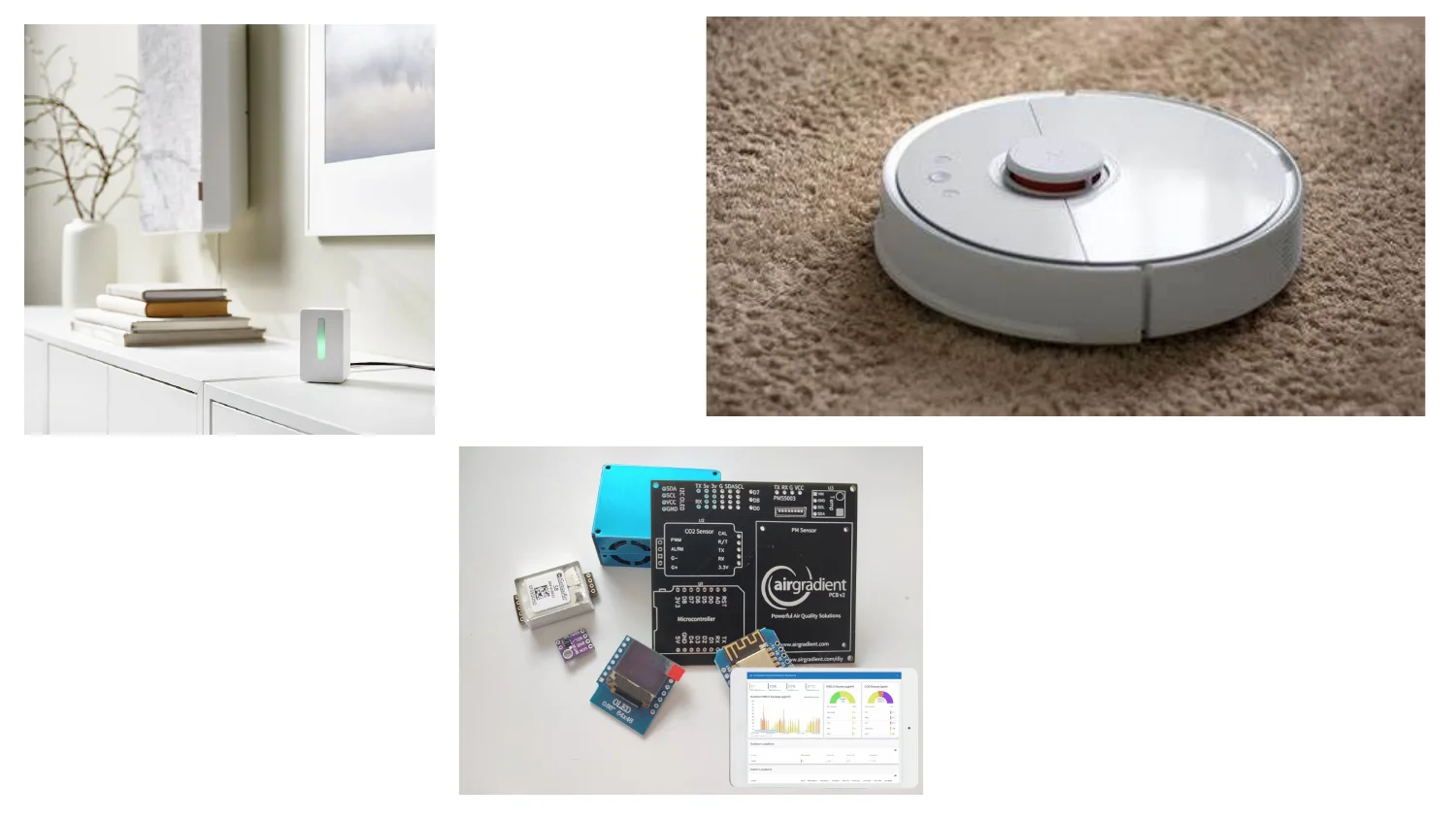
A sensor that sits on a credenza, a robot vacuum that does the floors without anyone asking, and an AirGradient kit I assembled from a CO2 sensor, a particulate sensor, and a microcontroller, with its own small dashboard. The air quality kit has given me the most peace of mind of anything here.
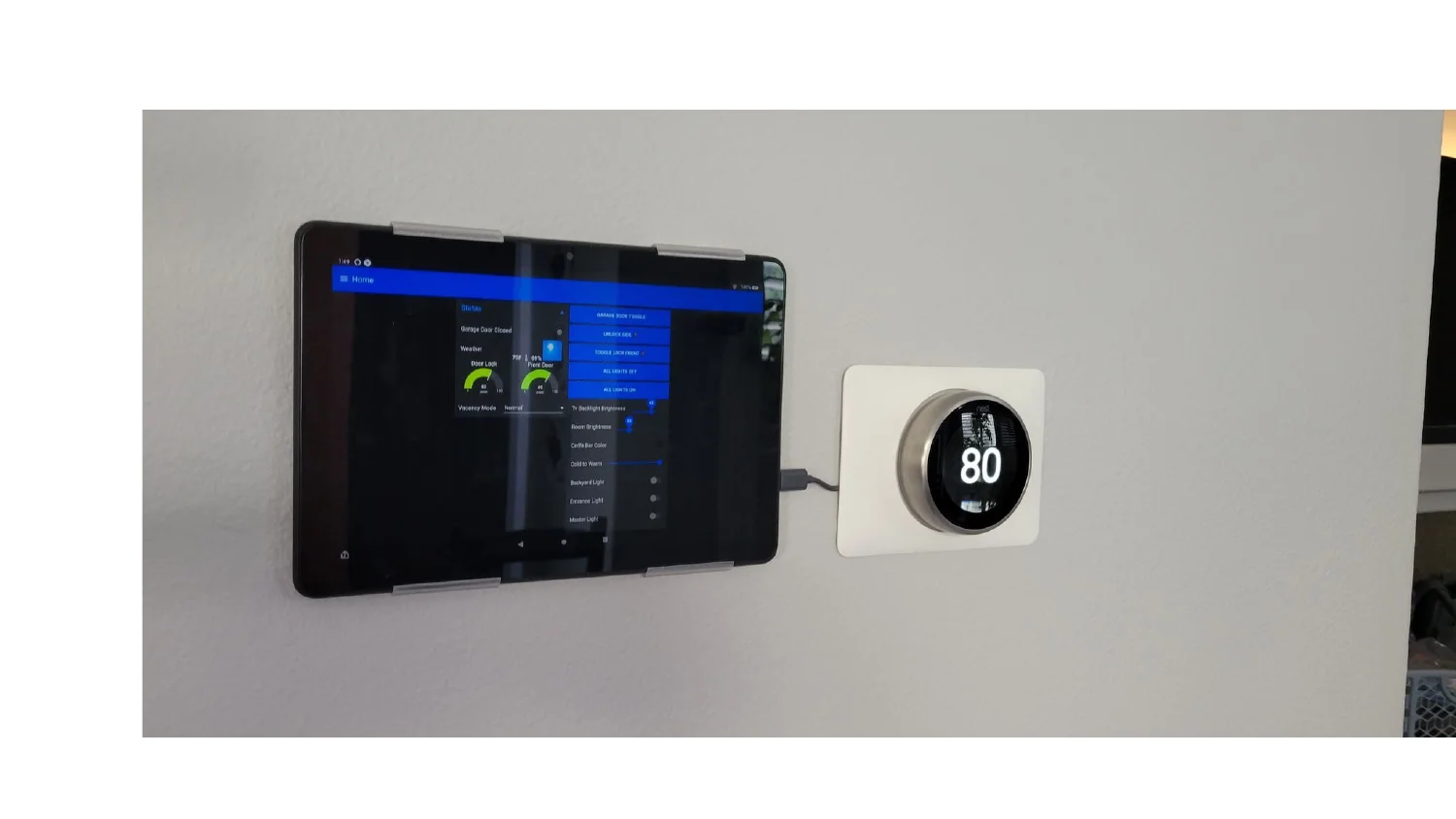
This dashboard has replaced more apps in the house than anything else. It has a garage door toggle, a side door unlock, a front lock toggle, all lights on or off, brightness sliders, a coffee bar color picker, and a warm-to-cool slider for the living room. It all runs on one cheap tablet mounted next to the thermostat, so nobody has to dig through five apps.
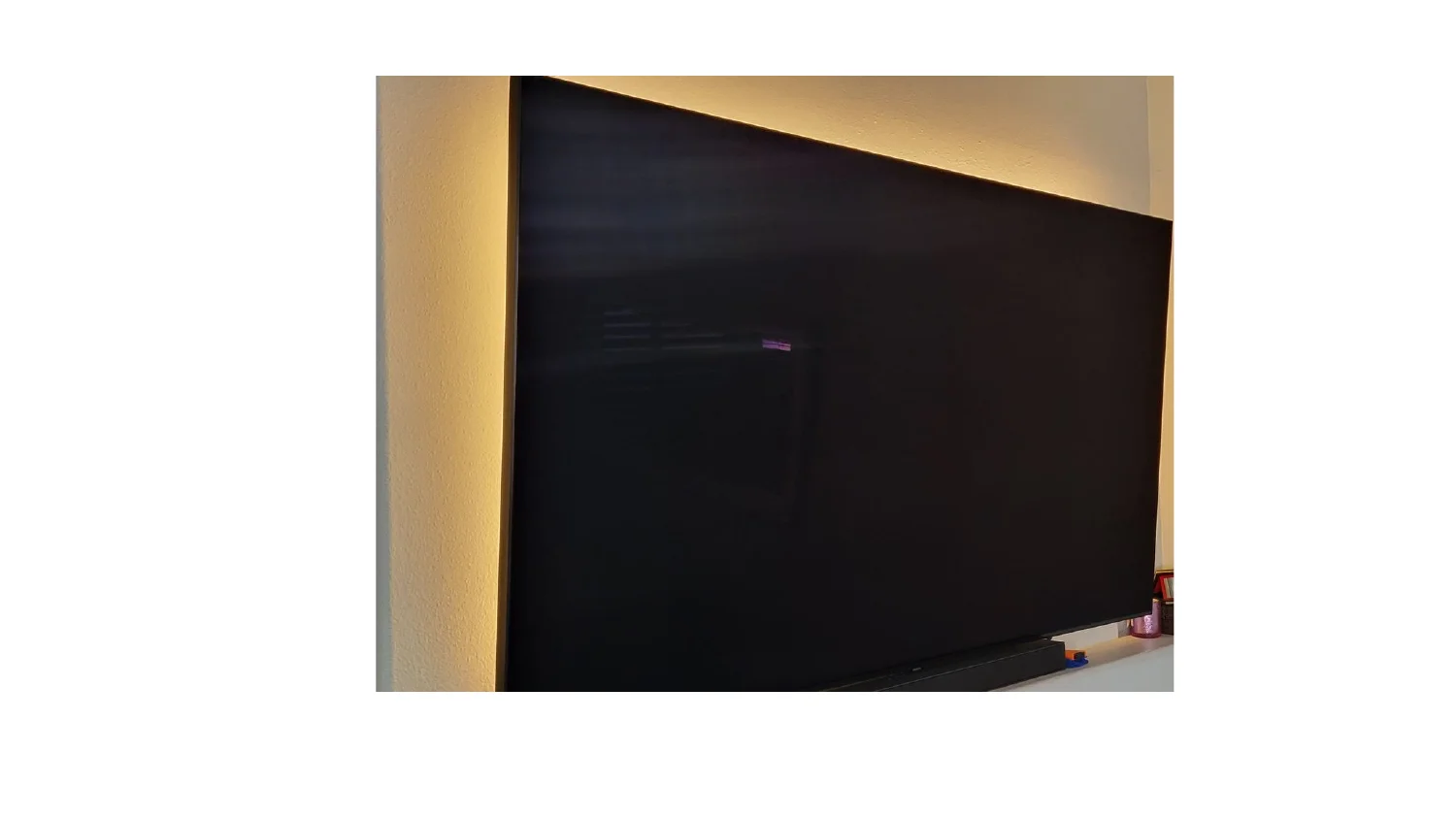
The ambient lighting behind the TV is tied into the same automation system instead of having its own remote. It’s a small change with a big quality-of-life payoff.
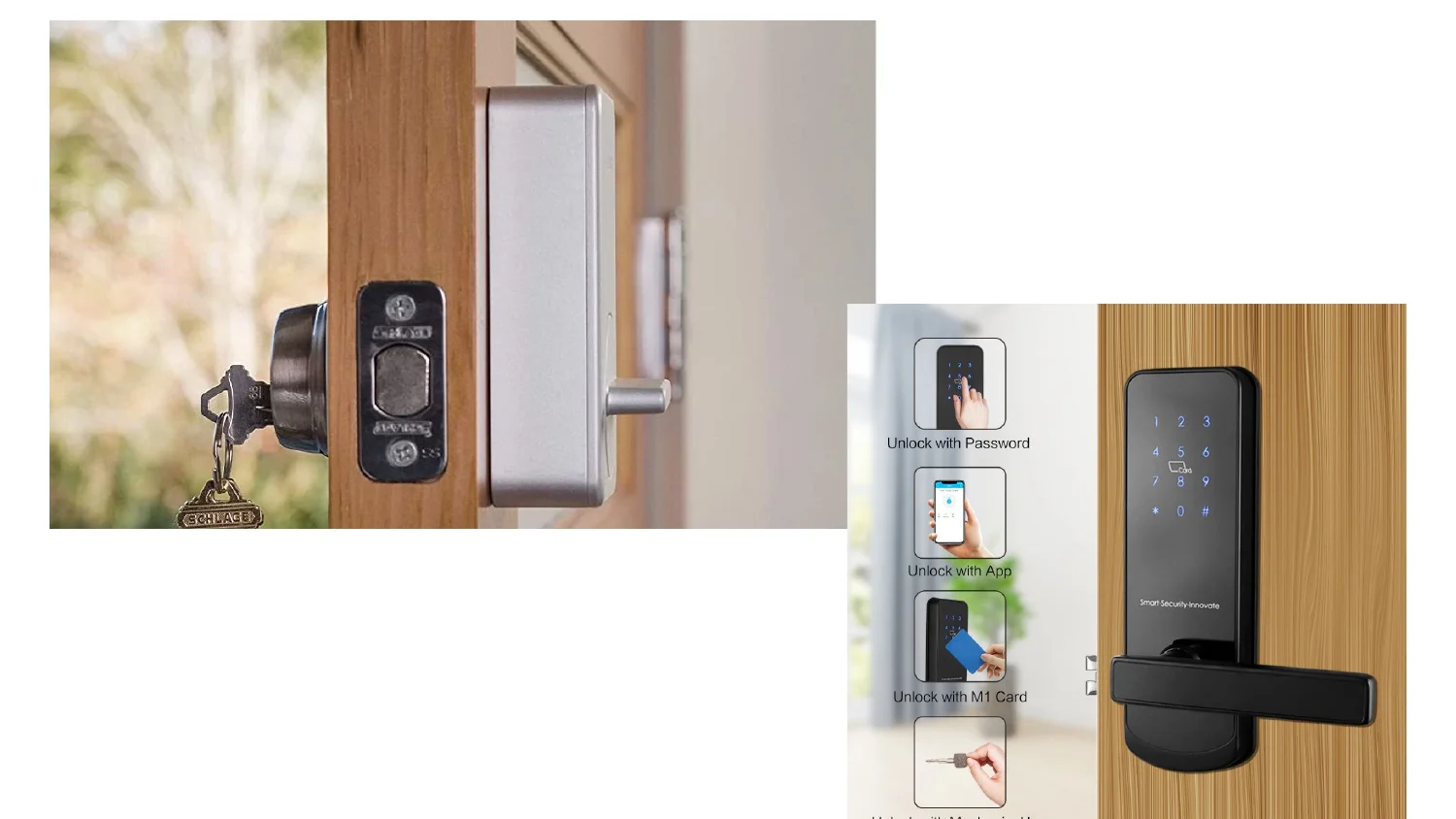
Smart locks came out of the “more people, more keys” problem from a few slides back. The newer lock takes a password, the app, a keycard, or a mechanical key, so everyone in the house can use whatever they’re comfortable with.
The next few slides are the parts bin, for anyone who wants to build this themselves.
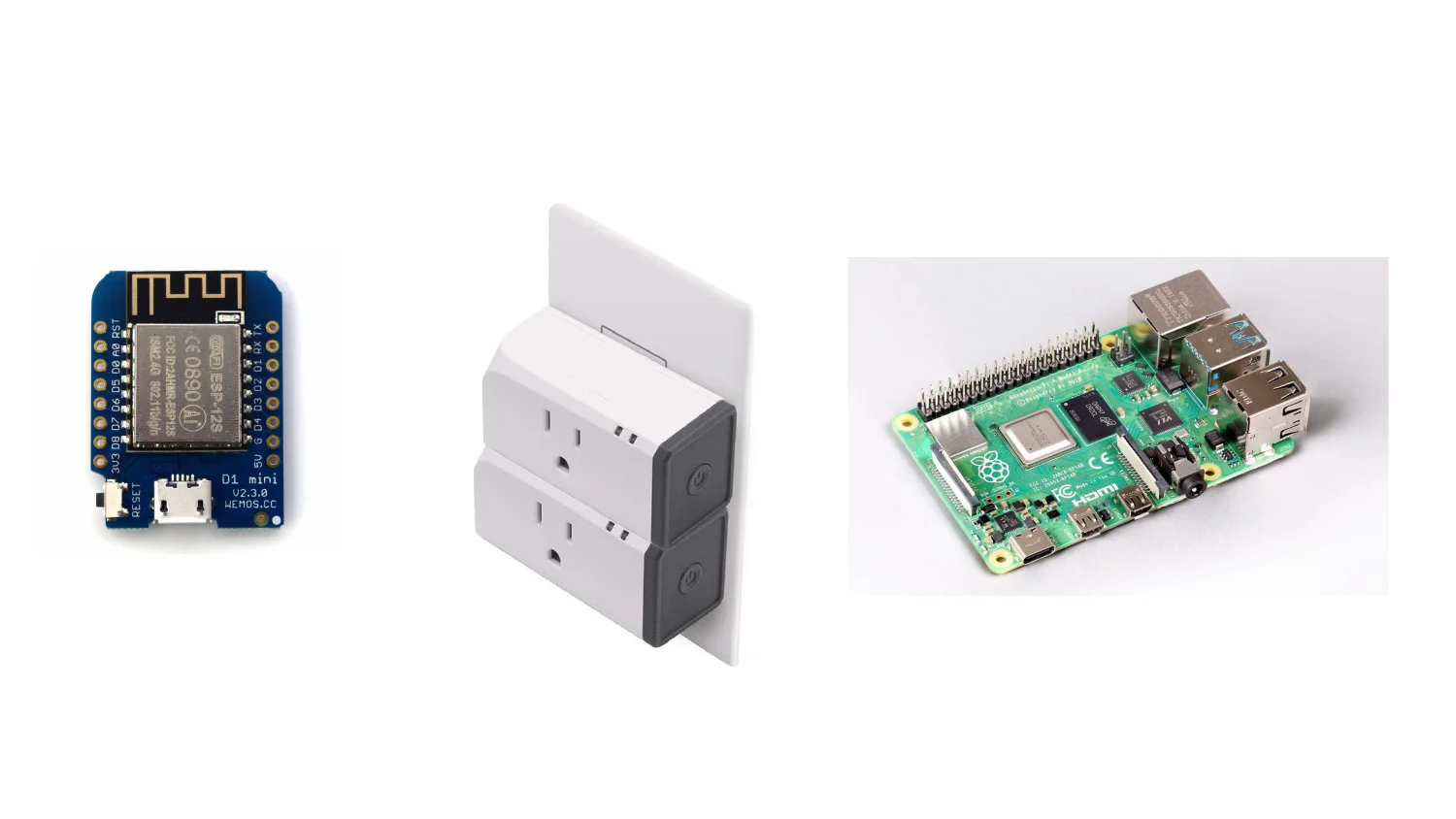
The ESP32 D1 mini handles anything custom. The smart plug is the off-the-shelf shortcut when I don’t need custom. The Pi 4 runs Node-RED and Grafana.
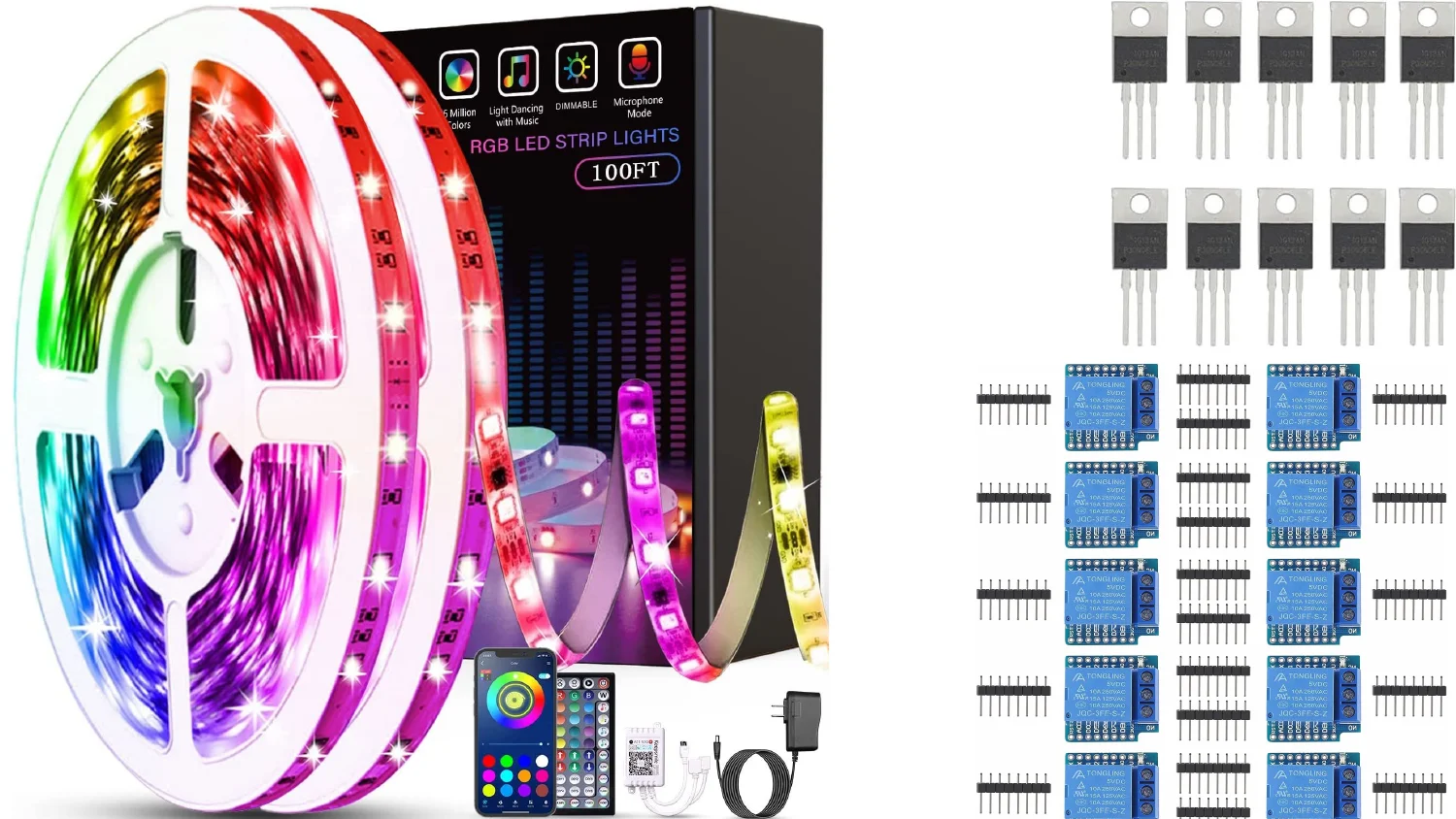
LED strips for ambient lighting, power transistors for higher-current loads, and small relay modules so a microcontroller can switch mains voltage safely.
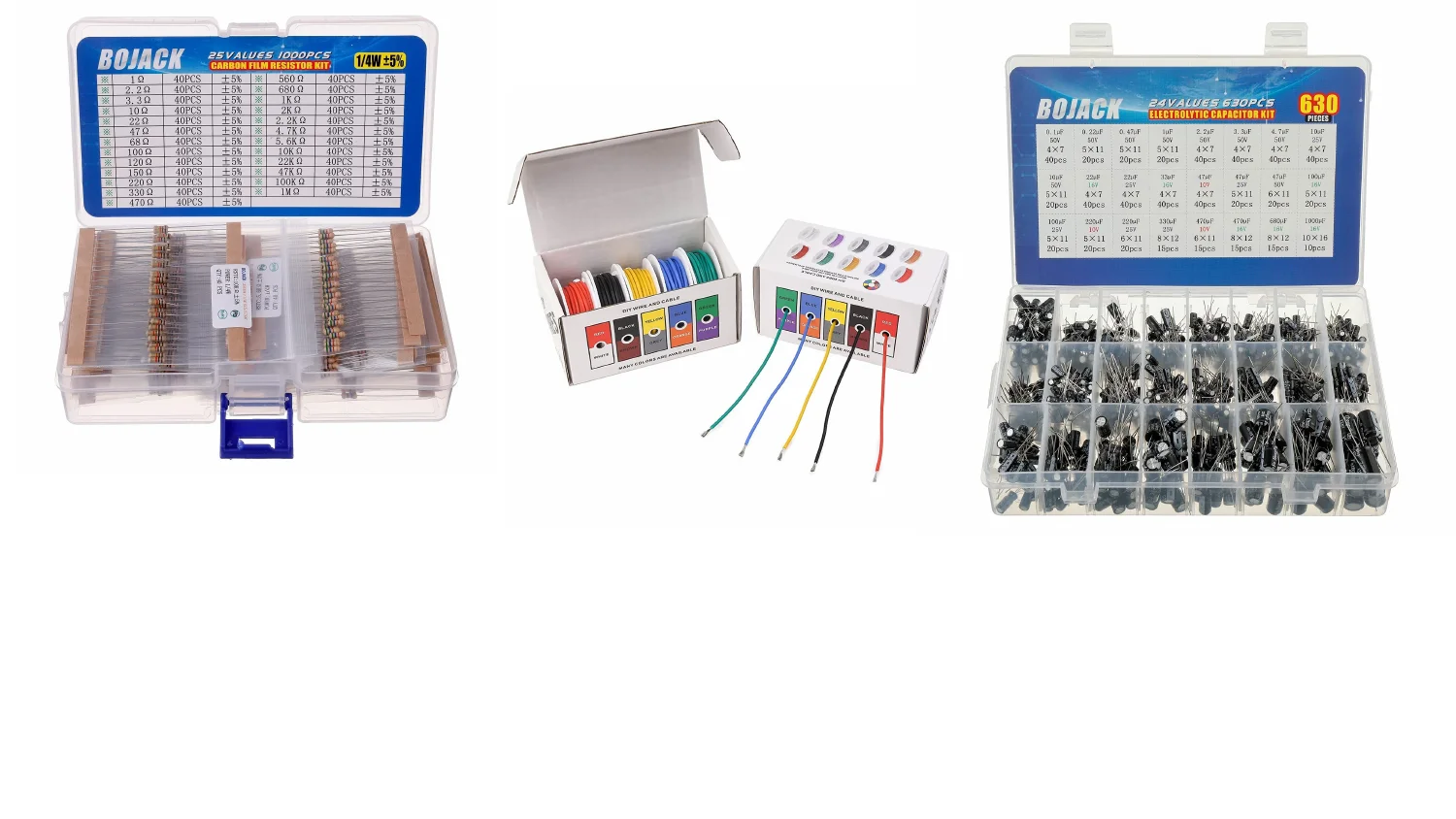
The rest of the bin: a resistor assortment, color-coded wire so I can trace a circuit later, and a capacitor kit for smoothing and timing.
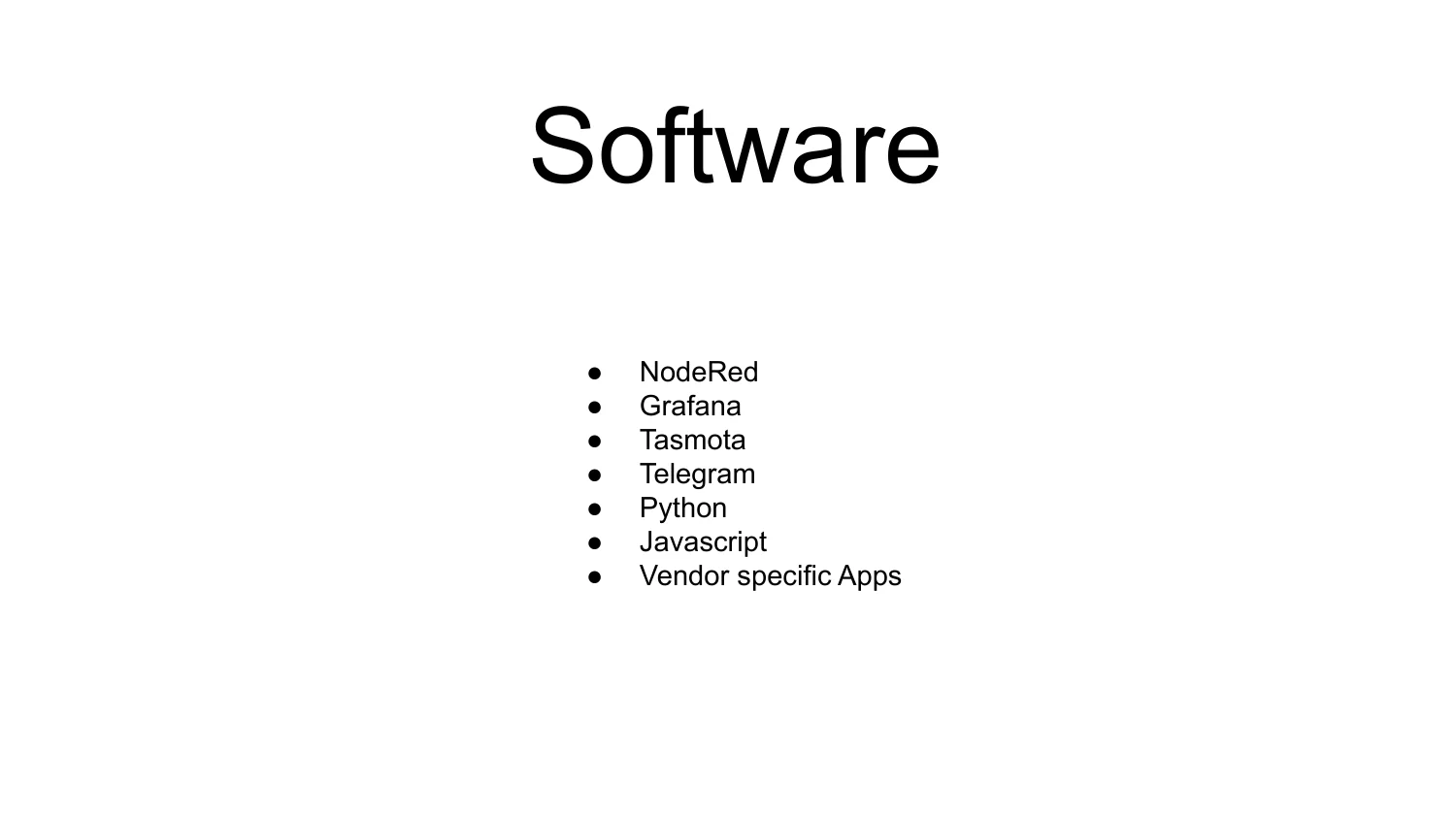
Node-RED handles flow logic and Grafana gives me visibility. Tasmota is the firmware on anything I flash myself, Telegram sends notifications, and Python or JavaScript fills in the glue code that doesn’t fit cleanly into a flow.
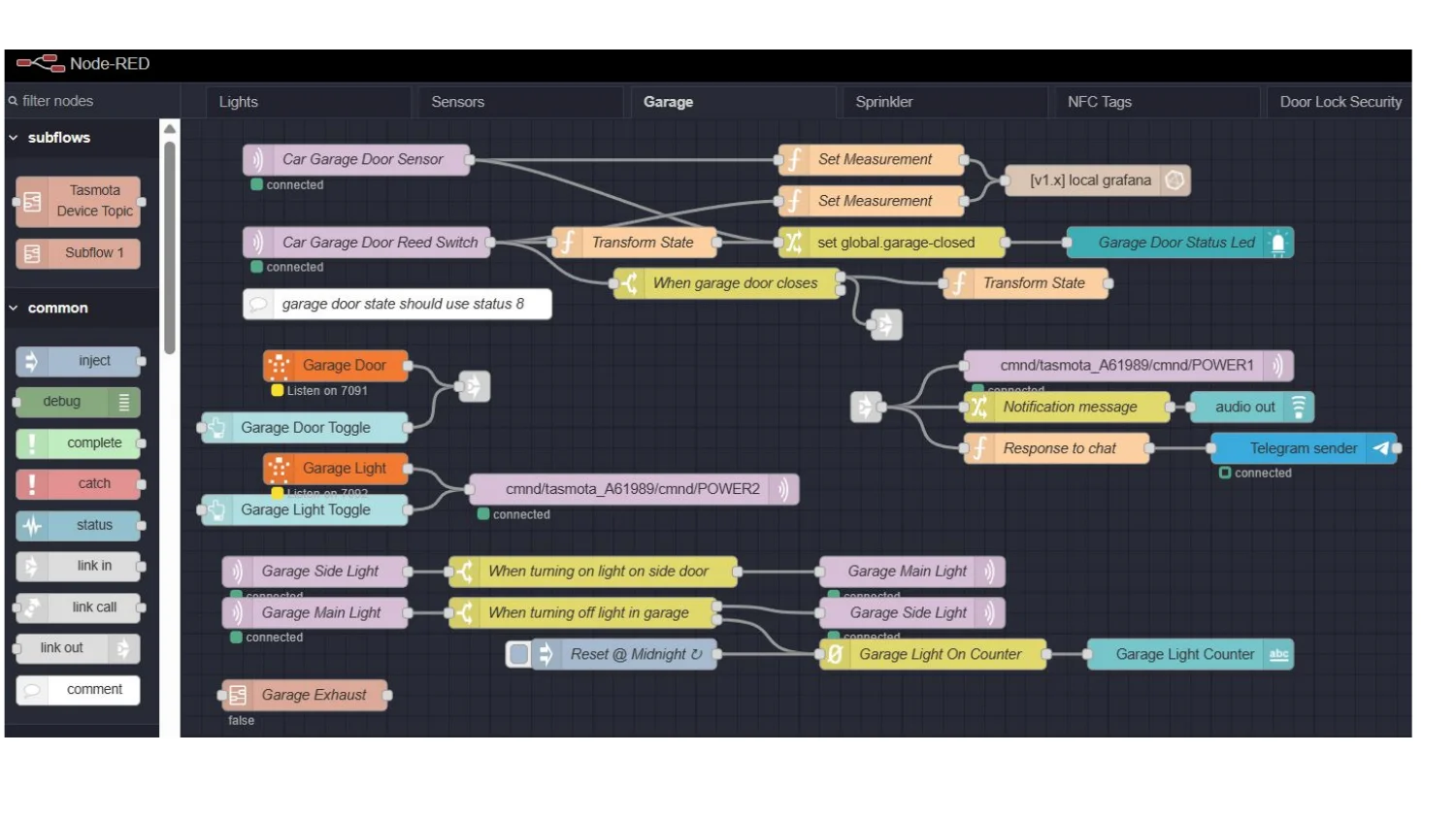
Here’s the garage flow today. The door sensor and reed switch feed a transform into Grafana and a global closed state. Toggle nodes publish straight to Tasmota command topics. Notifications fork to a Telegram sender and an audio chime, and a light-on counter resets at midnight. The editor tabs across the top (Lights, Sensors, Garage, Sprinkler, NFC Tags, Door Lock Security) show how much has grown since the single garage cooling flow in talk one.
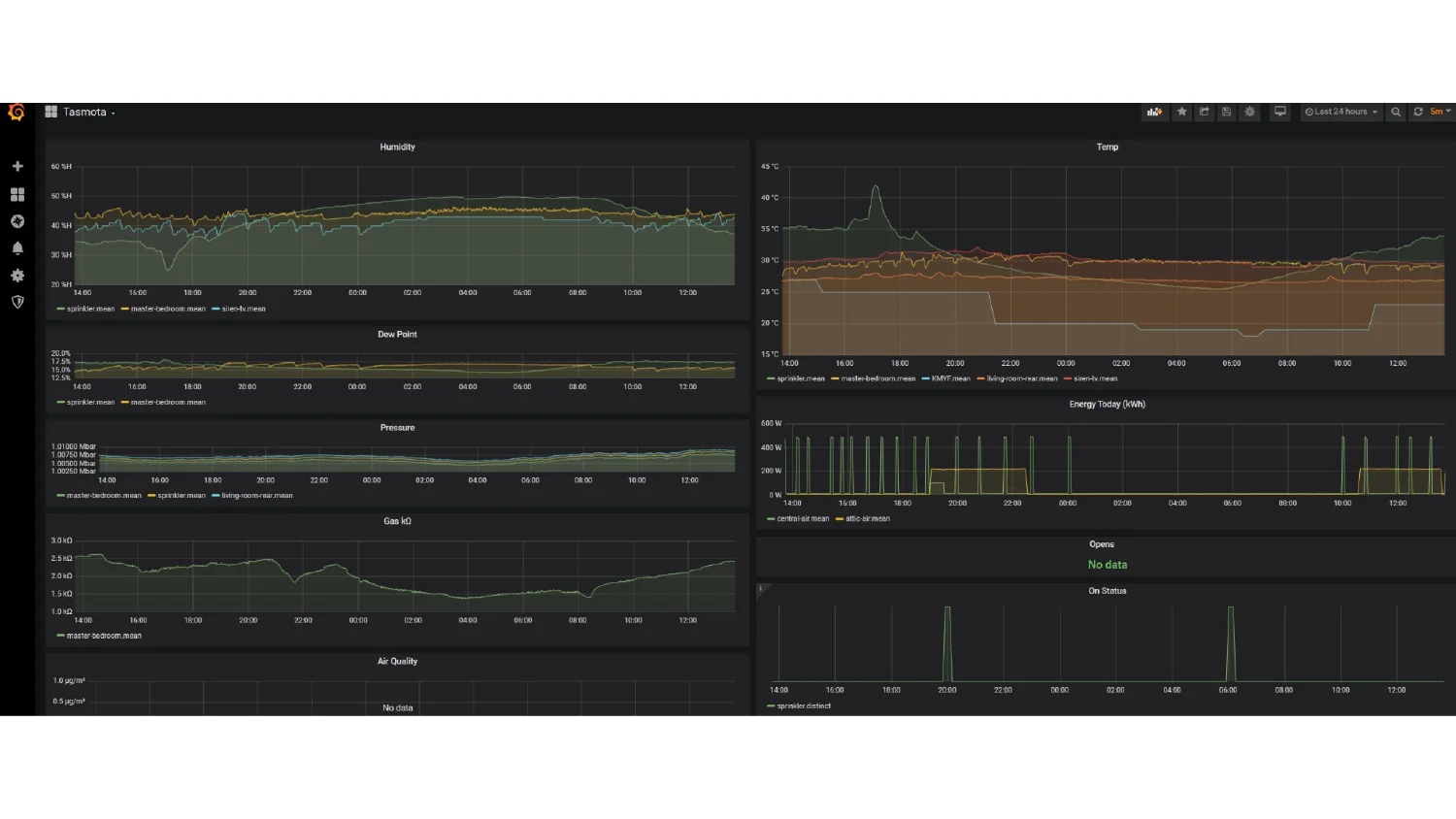
I check this dashboard when I want to know if everything is okay. Humidity, temperature, dew point, pressure, and gas readings are on one side, and energy usage, door opens, and on-status history are on the other. I built it because I got tired of guessing.

Dashboards and Grafana panels work for me. Everyone else in the house just wants the light on.
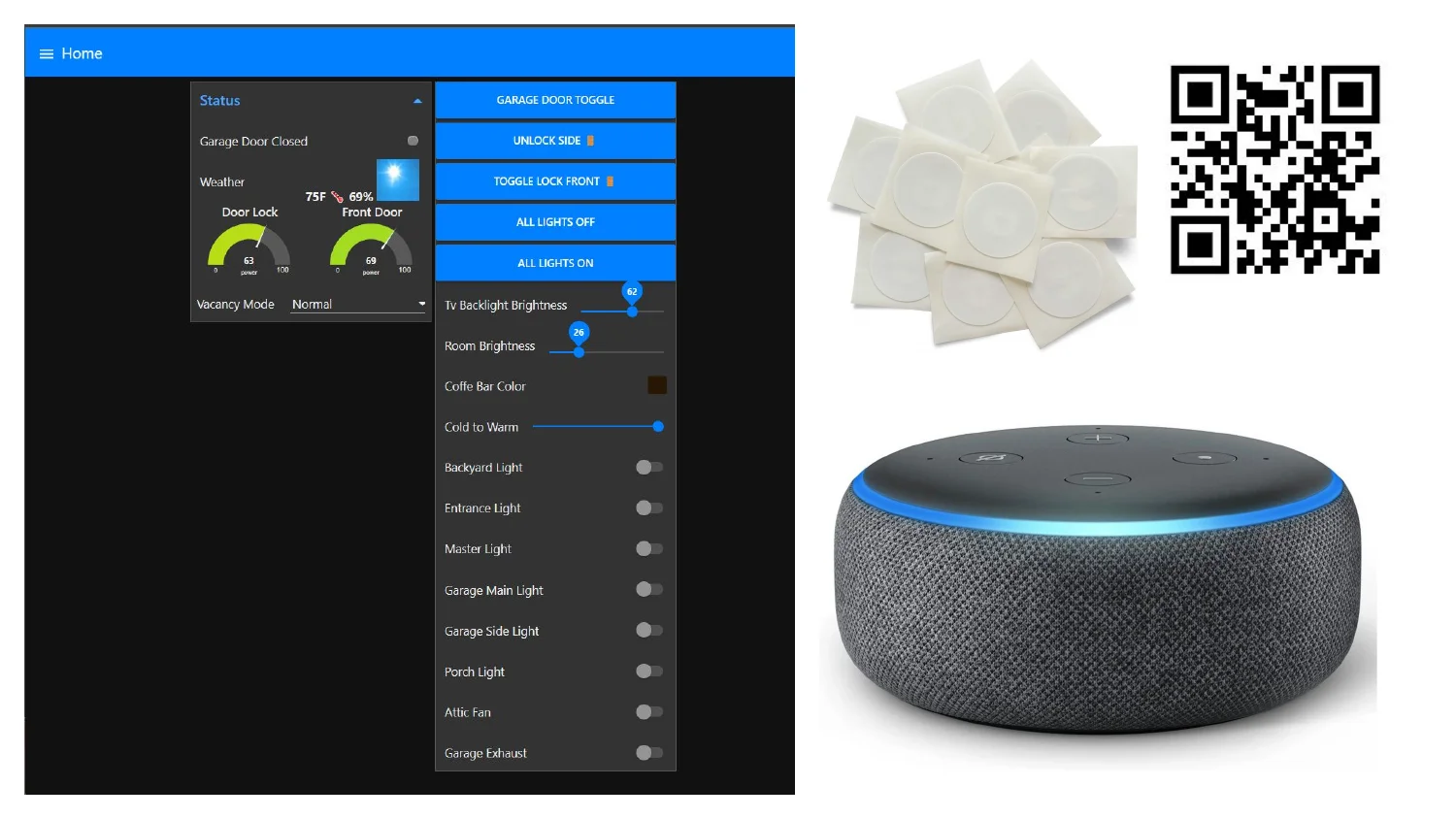
Here’s the “multiple ways to interact” rule in hardware. The wall tablet is for whoever is standing near it. NFC tags and a QR code give a tap-to-trigger shortcut, and the Echo Dot is for anyone who would rather talk to the house.
Last section: the tools I use to build and debug all of the above.
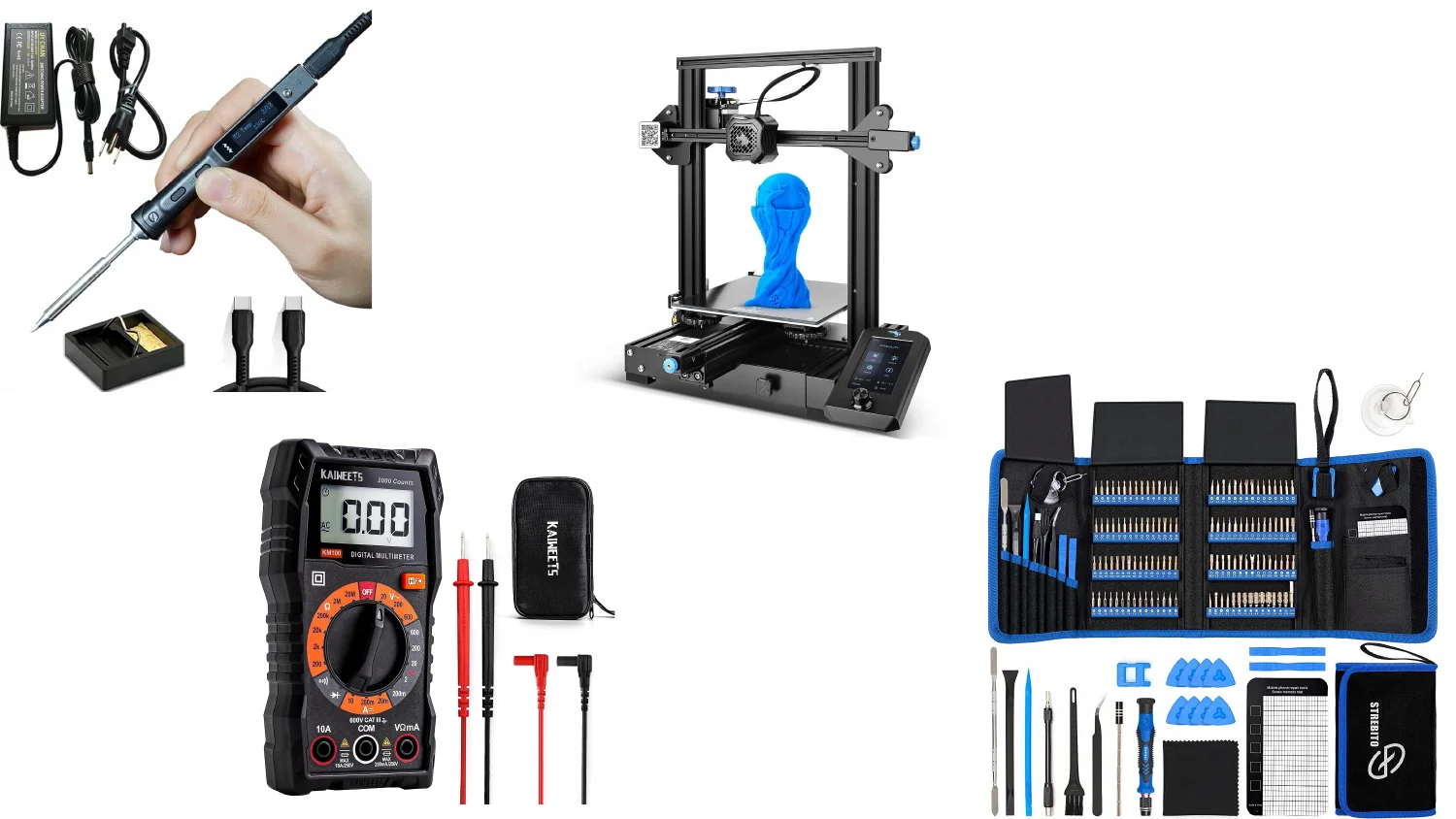
A soldering iron for permanent connections, a 3D printer for enclosures and brackets you can’t buy, a multimeter for when something isn’t working, and a precision screwdriver kit for devices the manufacturer didn’t want opened.

That’s both talks, ten-plus years apart. The rules barely changed between them, while the list of problems they had to handle kept growing.
A third talk is coming, and this one is built around agentic use cases. The same rules still apply when an AI agent is the one flipping the switches, and I expect a few new ones once it is.